
Mastering Cloudflare for Speed, Security, and Success
Boost site speed and security with Cloudflare. Learn how to use its CDN, firewall, caching, and analytics like a pro.

Boost site speed and security with Cloudflare. Learn how to use its CDN, firewall, caching, and analytics like a pro.

Gemini CLI simplifies AI tasks like code generation, summaries, and image analysis—all from your terminal. Easy to use and super efficient.
Stay informed with Apple News! Discover smart features, Apple News+ perks, and how to get the most out of your daily headlines.

Discover how Perplexity AI is revolutionizing search with real-time, cited answers and natural conversations.

CoreWeave revolutionizes AI and VFX workloads with lightning-fast, GPU-optimized cloud solutions.

Explore the power of atomization technology and how it’s transforming healthcare, agriculture, and industry with precision and efficiency.

Granular recovery technology is revolutionizing data protection with fast, precise, and flexible restore options. Discover its benefits today.

Explore Devokang technology, its real-world impact, benefits, challenges, and why it’s changing the future of innovation.
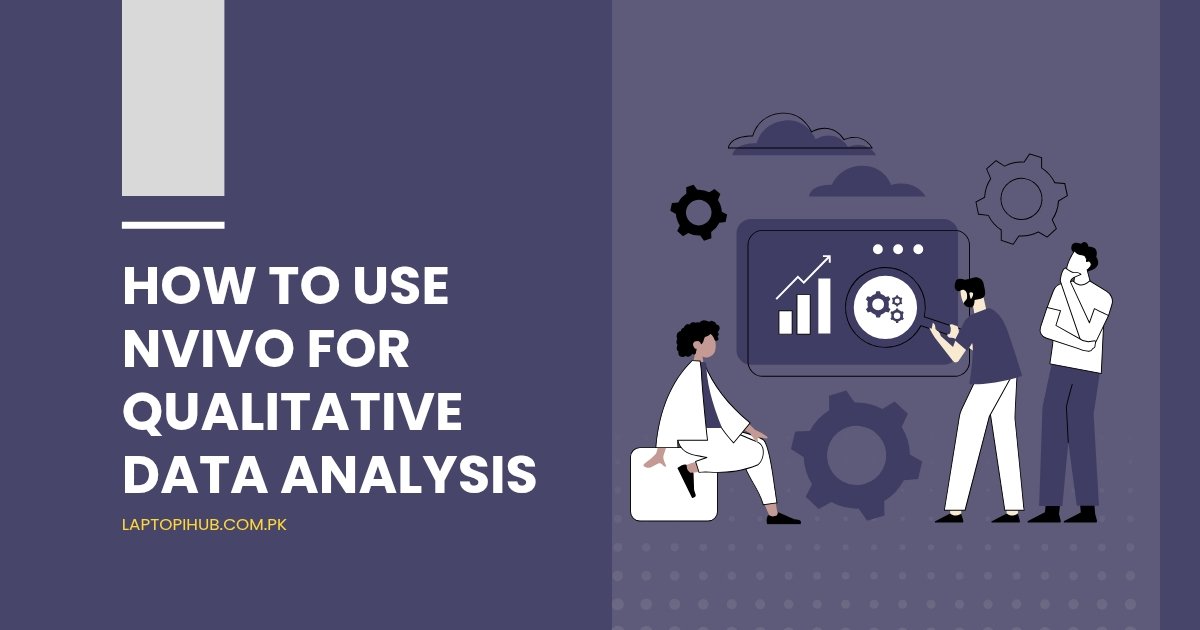
Learn how to use NVivo for qualitative data analysis with this step-by-step guide, covering setup, coding, analysis, and visualization.
NVivo is a powerful qualitative data analysis (QDA) software that helps researchers organize, analyze, and visualize unstructured data. Whether it’s interview transcripts, survey responses, or multimedia content, NVivo makes sense of it all. Think of it as your digital research assistant, built to handle the messy, intricate details of qualitative research.
Qualitative data analysis digs deep into the “why” and “how” of human behavior. Unlike quantitative data, which focuses on numbers, qualitative analysis uncovers rich, meaningful insights from non-numerical information like texts, images, and audio files.
So, why NVivo? For starters, it’s user-friendly, versatile, and packed with advanced tools that streamline the analysis process. It also integrates seamlessly with other software like Excel and SPSS, making it a favorite among researchers and academics.

Before diving in, ensure your system meets NVivo’s requirements. The software supports both Windows and macOS, but it’s resource-intensive, so a robust computer with ample storage and RAM is ideal. Installation is straightforward—download, follow the prompts, and you’re good to go!
The NVivo interface might feel overwhelming initially, but it’s designed to be intuitive once you get the hang of it.
Navigation Pane: Helps you access your data, codes, and queries.
Detail View: Displays the content you’re working on.
Ribbon Toolbar: Hosts essential tools for your analysis tasks.
You’ll frequently encounter terms like “nodes,” “cases,” and “queries.” Nodes are where your coded data lives, cases represent units of analysis, and queries help you explore data relationships.

Starting a project is simple. Open NVivo, click “New Project,” name it, and add a brief description. This workspace becomes your central hub for managing data and analysis.
NVivo supports a variety of data types, including:
Text files (.docx, .txt)
PDFs
Audio and video files
Images
Once imported, organize your files into folders for easy navigation. For example, group interviews by participant or topic.

Coding is like highlighting important parts of a book. You assign pieces of data to categories (nodes) based on themes, concepts, or ideas.
Select the text or media segment.
Right-click and choose “Code Selection.”
Assign it to an existing node or create a new one.
Manual coding gives you control but takes time, while automatic coding uses algorithms to identify patterns.
Identify recurring themes by reviewing coded data. NVivo’s visual tools can help you spot trends effortlessly.
Use word clouds to visualize key terms in your data. Queries, like text search or matrix coding, offer deeper insights.
By organizing nodes and running queries, you can uncover complex relationships between data points.

Create models and charts to represent your findings visually. These tools simplify presenting data to stakeholders.
Use mind maps to display connections between themes, making it easier to interpret your analysis.
Analyze sentiment in text to understand the tone of responses, whether positive, negative, or neutral.
NVivo integrates with platforms like Microsoft Word, Excel, and SPSS, enhancing your workflow efficiency.
Struggling with imports? Double-check file formats and ensure compatibility.
Use consistent labels and take advantage of NVivo’s hierarchy system to stay organized.

Keep your workspace clutter-free by regularly cleaning up unused files and nodes.
Always back up your projects to avoid losing data. Cloud storage options are a lifesaver here!
NVivo is a game-changer for qualitative data analysis, offering tools that save time and enhance the depth of your research. While it has a learning curve, the payoff is worth the effort. Dive in, explore its features, and unlock new insights in your data.
You can analyze text files, PDFs, audio, video, images, and even social media content.
Yes! Although it might seem complex at first, NVivo offers tutorials and a user-friendly interface for beginners.
Use password-protected projects and back up data regularly to secure your information.
While primarily designed for qualitative research, NVivo supports mixed-method approaches, including some quantitative features.
Export data as reports, tables, or visualizations to share findings with your team or audience.

Discover the benefits and challenges of Adaptive Software Development, a flexible, customer-focused approach to modern software creation.
In the fast-paced world of software development, flexibility and adaptability are not just buzzwords—they’re necessities. Adaptive Software Development (ASD) has emerged as a powerful methodology to keep pace with rapidly changing requirements, evolving technologies, and customer expectations. But what exactly is ASD, and why is it becoming a go-to approach for modern teams?
Adaptive Software Development is an iterative, flexible approach to software creation that prioritizes adaptability over rigid planning. Unlike traditional methodologies like the Waterfall model, ASD encourages teams to embrace change and learn continuously throughout the development process.
ASD has its roots in the Agile movement, which gained traction in the late 1990s and early 2000s. Originated by Jim Highsmith, ASD was designed to challenge the rigidity of traditional development processes, promoting a more dynamic and customer-focused approach.
In a world where customer needs and market demands change in the blink of an eye, sticking to a fixed plan can lead to outdated and irrelevant solutions. ASD empowers teams to pivot when necessary, delivering software that truly meets user needs.

ASD thrives on collaboration, encouraging developers, stakeholders, and customers to work closely together rather than relying on hierarchical control structures.
Teams continuously learn from each iteration, making informed decisions and improvements throughout the process.
The focus is always on delivering maximum value to the customer, ensuring that every piece of software developed serves a meaningful purpose.
ASD allows teams to adapt swiftly to new information or shifting priorities. This flexibility ensures projects remain aligned with business goals.
By embracing change, teams can experiment with creative solutions, fostering innovation.

Frequent discussions and feedback loops create an open environment where ideas flourish.
ASD places trust in team members, empowering them to make decisions that drive the project forward.
By continuously integrating customer feedback, ASD ensures that the final product aligns with user needs and expectations.
Frequent testing and iterative cycles minimize the risk of major failures, making ASD a safer choice for complex projects.
While change is a strength of ASD, it can also create uncertainty and make planning difficult.
Clients may struggle to understand the iterative nature of ASD, leading to potential misalignment.
Bringing diverse team members together under a shared vision can be challenging.
Differences in opinions may slow down progress, especially in high-pressure situations.

ASD requires a team that is not only skilled in their domain but also comfortable with ambiguity and change.
The push for quick iterations can sometimes lead to quality compromises, which must be carefully managed.
Organizations like Spotify and Microsoft have embraced ASD principles, creating dynamic, user-focused solutions.
Even with its benefits, ASD can fail when teams lack alignment, training, or proper implementation strategies.
Incorporating practices like daily stand-ups, sprint reviews, and retrospectives can enhance ASD effectiveness.
Equipping team members with the skills to thrive in adaptive environments ensures long-term success.
Tools like JIRA, Trello, and Slack can streamline communication and task management, making it easier to stay on track.

Emerging technologies and methodologies will continue to evolve ASD, making it even more efficient and user-focused.
AI tools are poised to revolutionize ASD by automating repetitive tasks, predicting risks, and enhancing decision-making.

Adaptive Software Development is a game-changer in the tech world, offering unparalleled flexibility, collaboration, and customer focus. While it comes with challenges, its benefits far outweigh the drawbacks for teams willing to embrace its principles. As technology evolves, ASD will remain a cornerstone of successful software projects, driving innovation and excellence.
The primary goal of ASD is to deliver high-quality, value-driven software that adapts to changing customer needs and market conditions.
ASD prioritizes flexibility, collaboration, and iterative development, unlike traditional methods that follow rigid, linear processes.
Absolutely! Small teams often find it easier to implement ASD due to fewer communication barriers and greater flexibility.
Tools like JIRA, Confluence, Trello, and Slack are commonly used to facilitate collaboration and project management in ASD.
Organizations can start by adopting Agile principles, training their teams, and gradually implementing adaptive practices into their workflows.