
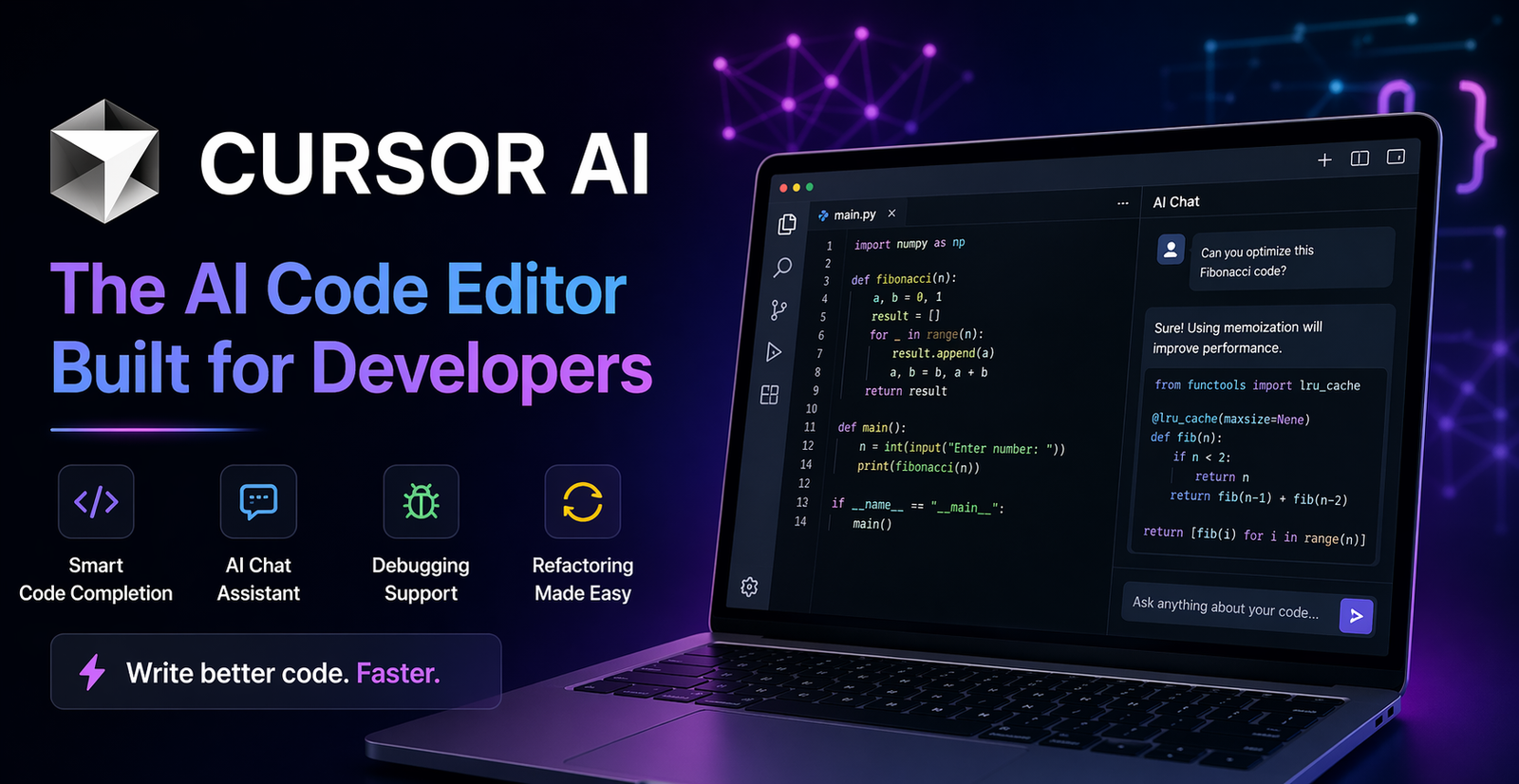
Discover Cursor AI features, benefits, use cases, and why it is transforming coding for beginners and professional developers.
Introduction to Cursor AI
The world of coding is changing fast, and Cursor AI is one of the biggest reasons why. Developers today don’t just want a text editor—they want a smart assistant that understands code, fixes bugs, and speeds up workflow. That’s exactly where Cursor AI steps in.
Think of Cursor AI like having a super-intelligent coding buddy sitting next to you 24/7. It helps you write cleaner code, solve errors faster, and turn ideas into real software without wasting time.
What Is Cursor AI?
Cursor AI is an advanced AI-powered code editor built to make programming easier and faster. It combines the feel of a modern code editor with artificial intelligence that understands your project.
Instead of manually searching documentation or Stack Overflow for every issue, Cursor AI can assist directly inside the editor. It’s like turning your coding environment into a brain-powered workspace.
Why Cursor AI Is Trending
Why are so many developers talking about Cursor AI?
Because time is money. Developers want tools that reduce repetitive tasks and help them focus on creativity. Cursor AI does exactly that.
It saves hours of work by:
- Suggesting code instantly
- Fixing bugs faster
- Explaining complex functions
- Writing boilerplate code
- Improving project structure
That’s why many coders now see it as the future of development.
Core Features of Cursor AI
Smart Code Completion
Cursor AI predicts what you want to write next. It doesn’t just autocomplete words—it understands logic.
For example, if you’re building a login system, it may suggest authentication code based on context. That’s next-level assistance.
AI Chat Inside Editor
Need help while coding? Cursor AI includes chat support inside the editor.
You can ask:
- Why is this error happening?
- Rewrite this function
- Optimize this code
- Explain this file
It feels like talking to an expert programmer anytime you need help.
Debugging Assistance
Bugs can feel like tiny monsters hiding in the dark. Cursor AI shines a flashlight on them.
It helps identify errors, explains possible causes, and suggests fixes—saving frustration and late-night headaches.
Refactoring Support
Messy code happens. Cursor AI helps clean it up.
You can improve structure, rename variables, simplify logic, and make code more readable with smart suggestions.
How Cursor AI Helps Developers
Faster Workflow
Instead of typing everything manually, Cursor AI speeds things up dramatically.
Tasks that once took 30 minutes may now take 10.
Cleaner Code
AI suggestions often encourage better formatting and structure. That means code becomes easier to maintain later.
Better Productivity
When you spend less time fixing syntax and searching solutions, you gain more time building real features.
That’s where productivity explodes.
Cursor AI for Beginners
If you’re new to coding, Cursor AI can be a fantastic learning partner.
It helps beginners by:
- Explaining code in simple words
- Suggesting syntax
- Fixing beginner mistakes
- Showing better ways to write code
It’s like training wheels for programmers.
But remember: use it to learn, not depend on it blindly.
Cursor AI for Professional Developers
Professionals also love Cursor AI because it handles repetitive work.
Experienced developers use it for:
- Boilerplate generation
- Large codebase navigation
- Quick debugging
- Refactoring modules
- Writing tests
Even expert coders appreciate extra horsepower.
Best Use Cases of Cursor AI
Web Development
Building websites? Cursor AI can help with:
HTML structure
CSS styling
JavaScript logic
React components
API integrations
It’s a web developer’s turbo engine.
App Development
For mobile apps, it assists with UI logic, functions, and backend integration.
Whether Android, iOS, or cross-platform tools, Cursor AI can save serious time.
Python Projects
Python developers can use it for:
- Scripts
- Data analysis
- Automation
- AI models
- Flask or Django apps
Python plus Cursor AI is a powerful combo.
Team Collaboration
Cursor AI can also help teams understand existing code quickly. That’s useful when joining new projects or reviewing older systems.
Cursor AI vs Traditional Editors
Traditional editors are like regular bicycles.
Cursor AI is like an electric bike.
Both move—but one gets you there faster with less effort.
Old editors require manual searching, typing, debugging, and optimization. Cursor AI reduces those burdens with built-in intelligence.
Cursor AI vs GitHub Copilot
Both are powerful AI coding tools, but Cursor AI focuses heavily on an editor-first smart experience.
Some users prefer Cursor AI because:
- Better codebase awareness
- Strong integrated chat
- Easier editing workflow
- Powerful project understanding
Meanwhile, others may prefer Copilot depending on workflow. It comes down to preference.
Benefits of Using Cursor AI
Here are major benefits:
- Saves time
- Reduces coding stress
- Improves productivity
- Helps beginners learn
- Supports many languages
- Assists debugging
- Enhances code quality
It’s like having caffeine for your code editor.
Limitations of Cursor AI
No tool is perfect.
Possible limitations include:
- May suggest incorrect code sometimes
- Requires internet for some features
- Overdependence can slow learning
- Needs review before production use
Always use your brain as the final filter.
Tips to Use Cursor AI Better
Want maximum results? Follow these tips:
- Give clear prompts
- Review generated code
- Ask follow-up questions
- Learn from suggestions
- Combine with your own logic
- Use for repetitive tasks
Think of AI as a helper, not the driver.
Future of Cursor AI
Cursor AI represents where software development is heading.
Soon, coding tools may:
- Understand entire projects instantly
- Build features from simple prompts
- Detect bugs before they happen
- Suggest architecture improvements
The future isn’t no-code. It’s smart-code.
Conclusion
Cursor AI is changing how developers build software. It speeds up coding, reduces frustration, and helps both beginners and professionals create better projects faster. While it shouldn’t replace human thinking, it can absolutely amplify it. If coding once felt like climbing a mountain with a backpack full of bricks, Cursor AI removes half the weight.
FAQs
1. Is Cursor AI good for beginners?
Yes, it helps beginners learn syntax, fix mistakes, and understand code faster.
2. Can Cursor AI replace developers?
No. It assists developers but human creativity and judgment are still essential.
3. What languages does Cursor AI support?
It supports many popular languages like Python, JavaScript, HTML, CSS, Java, and more.
4. Is Cursor AI better than normal editors?
For many users, yes—because it adds AI features that boost productivity.
5. Should I trust AI-generated code fully?
No. Always review, test, and verify generated code before using it in production.
Leave a Comment
Your email address will not be published. Required fields are marked *