10 Stylish Leather Laptop Backpacks for Women
Discover 10 stylish leather laptop backpacks for women that combine fashion, comfort, and functionality for everyday use.
CALL US
Discover 10 stylish leather laptop backpacks for women that combine fashion, comfort, and functionality for everyday use.
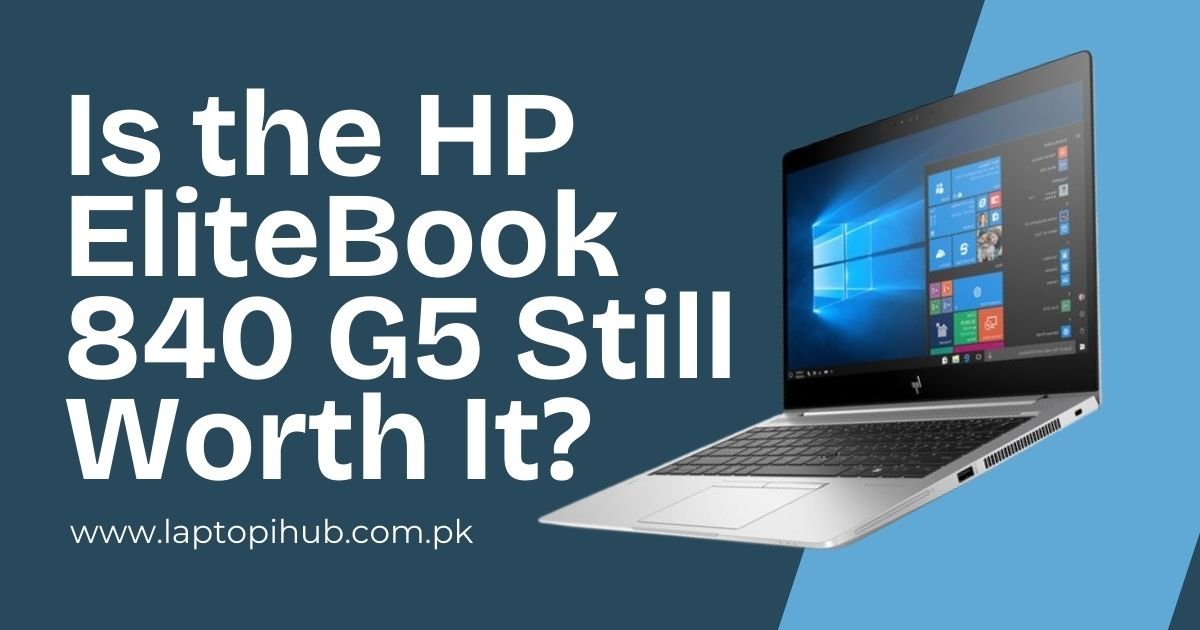
Is the HP EliteBook 840 G5 still worth it? Discover its performance, features, and value in 2025 with our in-depth review.
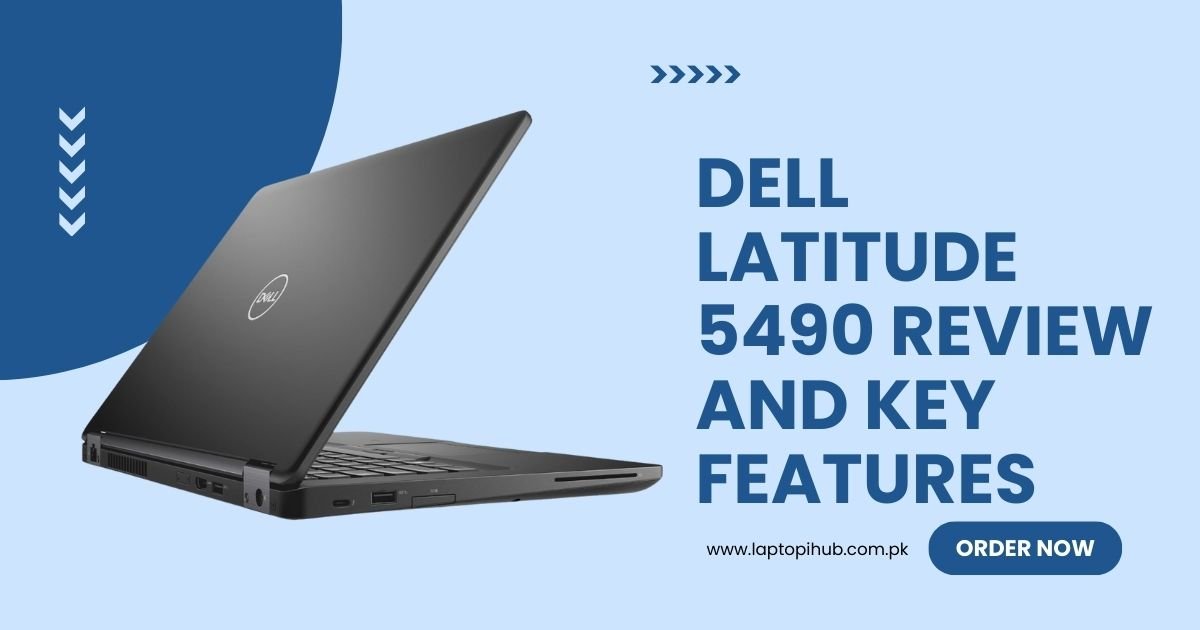
Detailed Dell Latitude 5490 review covering specs, performance, battery, and key features for business users and professionals.
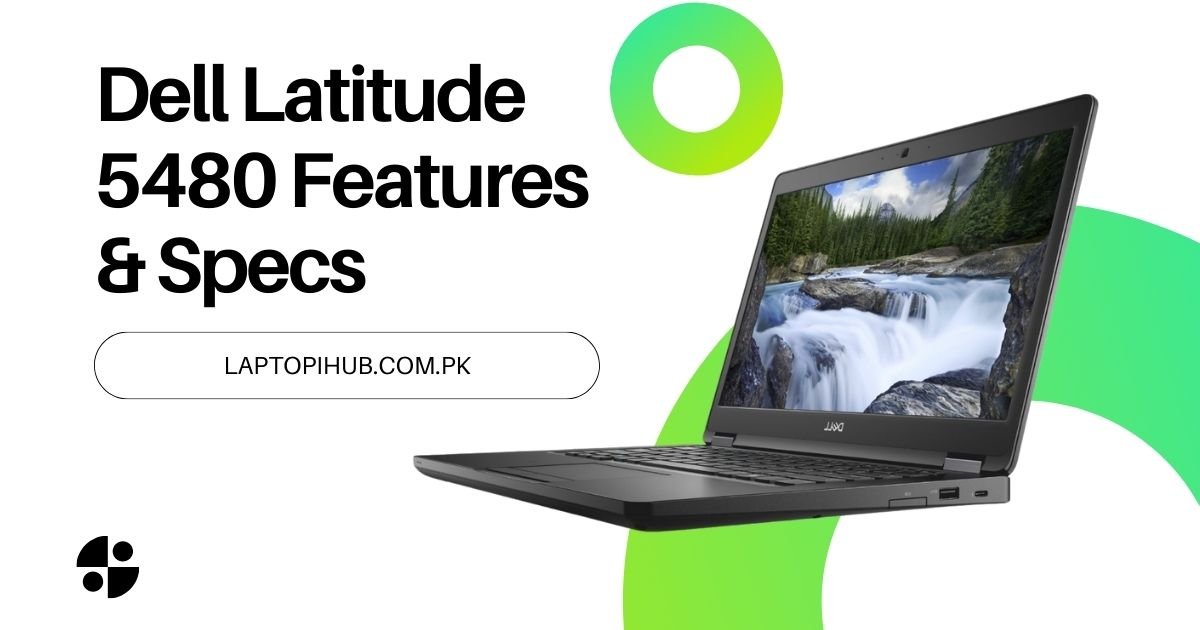
Explore the Dell Latitude 5480’s features, specs, and performance in this in-depth review for business and everyday use.
Discover palm-sized quadruped robots: tiny, agile, and packed with tech. Learn about their design, applications, and future potential.
In the ever-evolving world of robotics, we’ve seen some pretty remarkable advances. From giant machines that help in industries to miniaturized versions that are transforming our daily lives, technology continues to amaze. One of the most exciting developments in recent times is the creation of palm-sized quadruped robots. These little creatures, no bigger than your hand, are revolutionizing the way we think about robotics and artificial intelligence. But what exactly makes these robots so special? Let’s take a closer look!
A palm-sized quadruped robot, as the name suggests, is a small robotic creature that moves on four legs, mimicking the movements of animals like dogs or cats. Unlike larger robots, which often require significant space and specialized equipment, these tiny robots fit comfortably in the palm of your hand. Their compact size doesn’t limit their functionality, though – they can perform complex movements and tasks, all while maintaining the agility and balance of their larger counterparts.
The biggest difference between these miniature robots and their full-sized versions is the level of miniaturization. They need to be lightweight but sturdy, with the ability to move fluidly and carry out simple or complex tasks with precision.
The journey of quadruped robots began with large, cumbersome machines built for specific tasks, like navigating rough terrain or assisting in complex operations. Early examples, like Boston Dynamics’ BigDog, were massive, powerful, and built for heavy-duty applications. But as technology advanced, engineers sought to make robots smaller, more agile, and adaptable to a wider range of environments.
With improvements in miniaturized electronics, sensors, and power systems, engineers were able to scale down these robots into pocket-sized versions without sacrificing functionality. Today, palm-sized quadruped robots are not just a curiosity, but a practical innovation that serves multiple purposes.
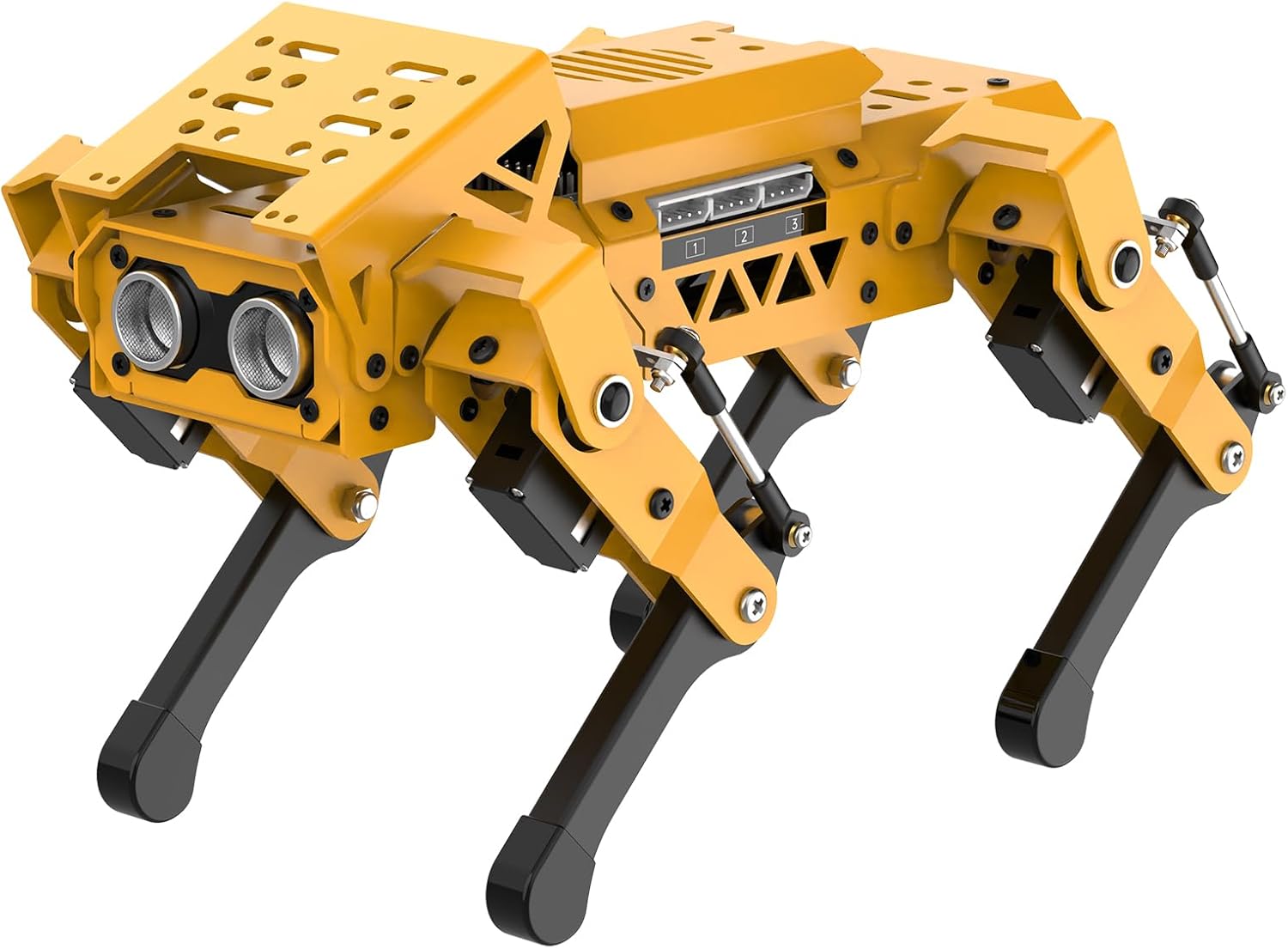
You might wonder, “Why go smaller?” The benefits of miniaturizing robots are endless. A palm-sized robot can be used in places where larger machines can’t go—like tight spaces or indoors. Its small size also makes it more affordable, portable, and accessible for educational purposes, entertainment, and even research. The practical uses of these robots range from helping with tasks in the home to performing vital operations in areas that are too dangerous for humans, like disaster zones.
These robots can access areas that would typically require human intervention or larger machines. They’re also less intrusive, and because of their size, they can be more easily integrated into everyday environments, making them valuable for future technological ecosystems.
When it comes to the design of palm-sized quadruped robots, size isn’t the only thing that matters. The mechanics of how these robots move are critical. Using a combination of lightweight materials and precise construction, engineers have developed robots that can mimic the natural movement of four-legged creatures. With tiny actuators and motors, the robots move their limbs in a fluid, coordinated manner. They can walk, run, and even jump!
The materials used in building these robots are lightweight but incredibly durable. Advanced polymers and composites allow for flexibility without compromising on strength. Even though they’re small, these robots need to be tough enough to handle obstacles and challenges in their environments.
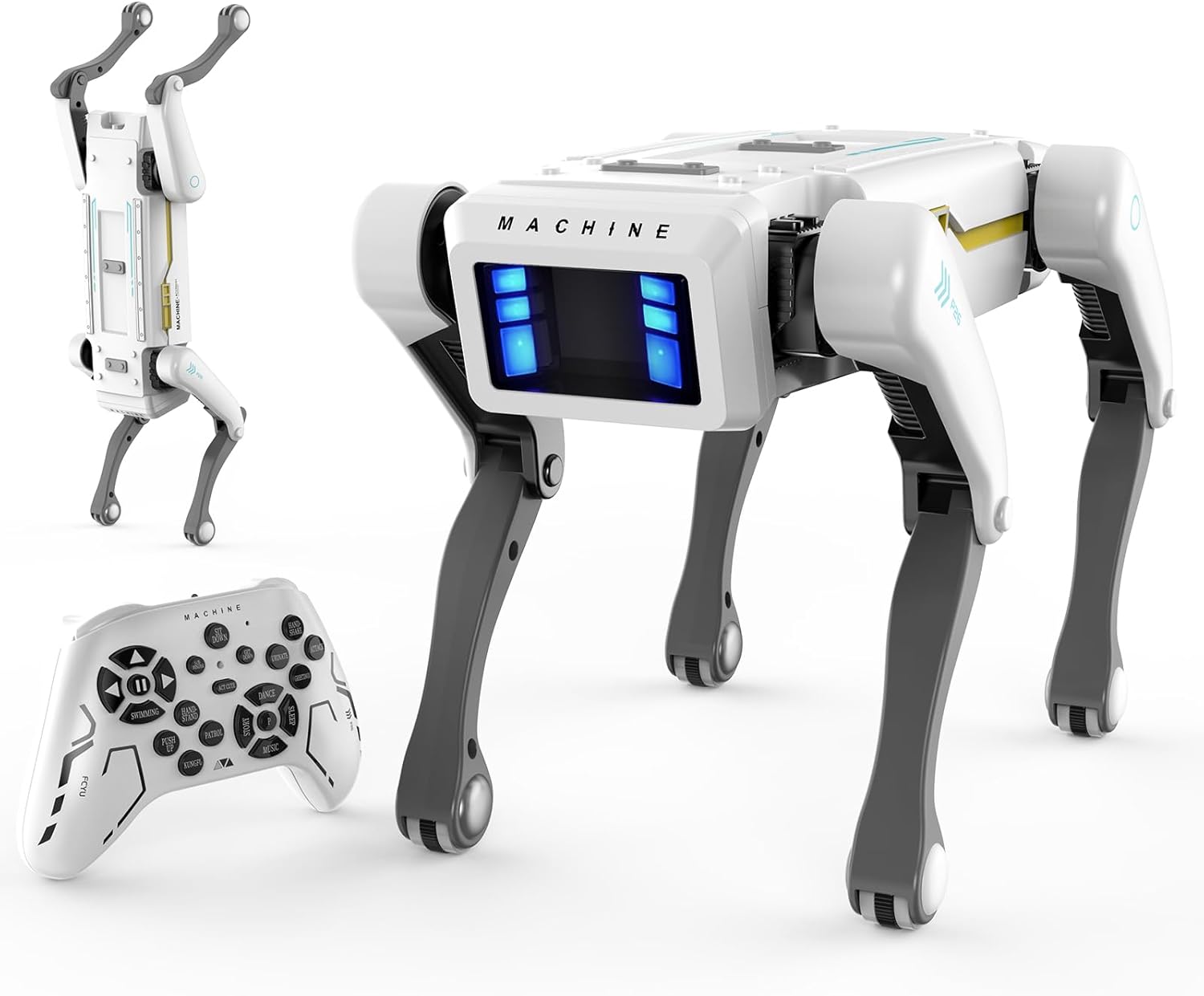
Size and Weight Considerations: The small stature of these robots makes them easy to transport and store. Weighing only a few hundred grams, they’re not just compact—they’re built for precision movement.
Mobility and Agility: These robots are surprisingly nimble, capable of performing complex movements like turning on a dime or even navigating stairs. Their four-legged design makes them more stable than wheeled robots.
Sensors and Cameras: Equipped with small sensors and cameras, these robots can understand their surroundings and interact with the environment. Some models even feature cameras for facial recognition or obstacle detection.
Palm-sized quadruped robots are not just for fun; they have real-world applications across various fields.
Entertainment and Education: These robots make fantastic tools for teaching robotics in schools. They can be programmed to perform tasks, teach basic AI concepts, and even entertain kids as they interact with them in imaginative ways.
Search and Rescue: Their small size makes them ideal for search-and-rescue operations in confined spaces, like collapsed buildings or rubble piles, where larger robots might struggle to get through.
Medical Uses: They’re also being used in medical fields, where they can assist with monitoring or even help patients with mobility problems by carrying small loads or aiding in physical rehabilitation.
Environmental Monitoring: Their compact form allows them to go places where human presence is restricted, such as remote or hazardous areas, gathering data for environmental research.
Let’s dive into the tech that powers these tiny robots. Most palm-sized quadruped robots use tiny motors and actuators to move their legs. These motors are powered by compact batteries that allow for a few hours of operation at a time. Advanced algorithms and control systems enable the robot to stay balanced and move smoothly, even on uneven surfaces.
The key challenge here is power. These robots are equipped with small batteries, and ensuring they last long enough for practical use requires a lot of engineering finesse. Also, sensors, like gyroscopes and cameras, help these robots “see” and navigate their surroundings.
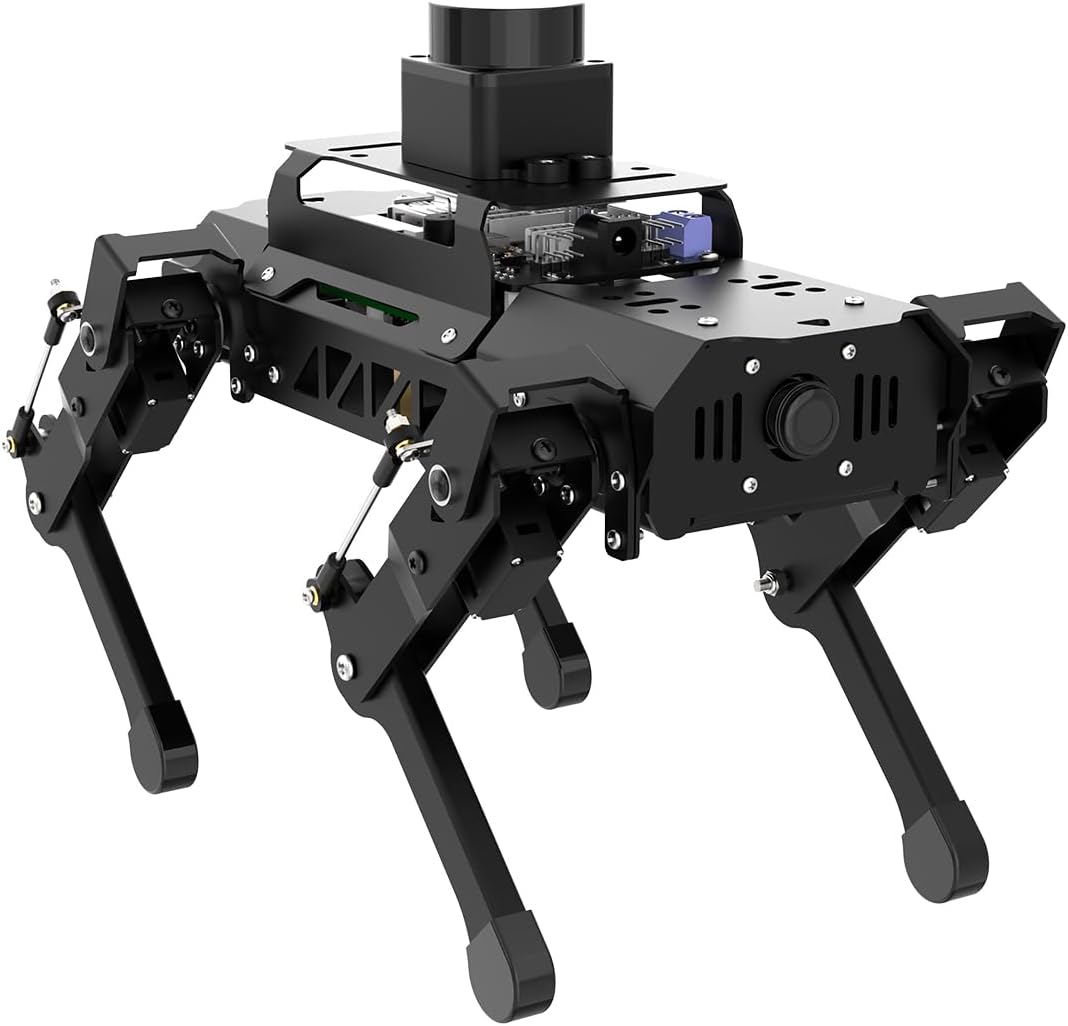
Creating a palm-sized robot isn’t without its challenges. One of the biggest hurdles is providing enough power for the robot to operate efficiently. These tiny robots need lightweight batteries that can still deliver adequate energy for the motors and sensors to function. Balancing the size and weight of the robot with the need for high-performance electronics is a constant design challenge.
Stability is another issue. As these robots are smaller and lighter than their larger counterparts, maintaining balance while moving or jumping can be tricky. Developers must fine-tune the robot’s movement algorithms to ensure smooth and stable motion.
As technology progresses, palm-sized robots are becoming more common in various sectors. Their small size, combined with their advanced capabilities, is opening new doors for robotics in industries like healthcare, education, and disaster response. In the future, these robots could be used for even more complex tasks, and as AI improves, their ability to interact with humans will only get better.
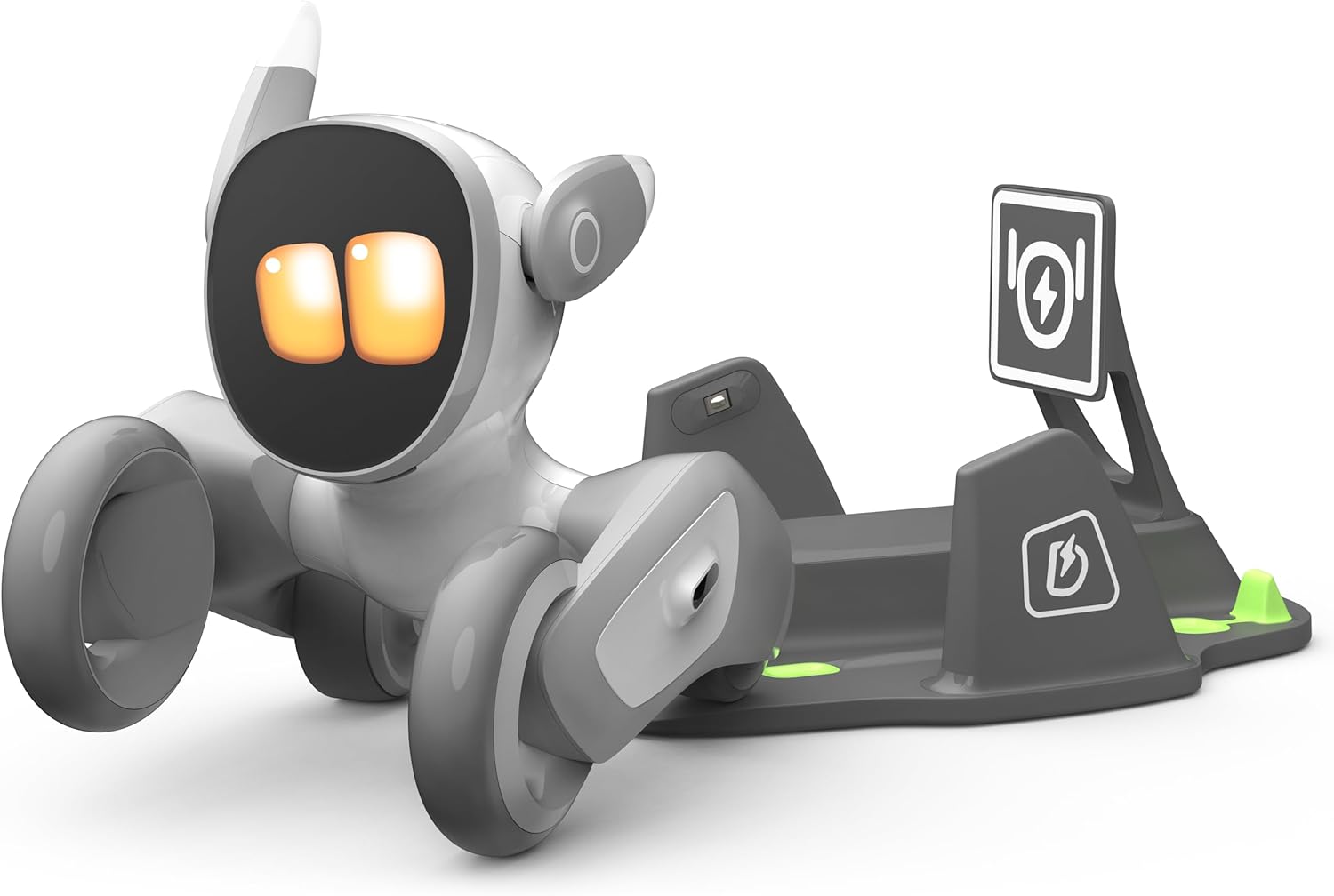
Some of the most popular palm-sized quadruped robots include models like the “Robotis Mini” and “Anymal C.” These robots are often used in educational settings and are highly programmable. They serve as great examples of how small robots can pack a punch in terms of technology, usability, and performance.
Beyond their fun and entertainment value, palm-sized robots have the potential to assist with everyday tasks. Imagine a world where these robots help carry groceries, monitor elderly parents, or even assist in household chores. Their small size makes them ideal companions in scenarios where humans can’t always be present.
The future of palm-sized quadruped robots looks promising. We can expect to see them becoming more integrated into smart homes, urban planning, and healthcare. With AI technology advancing rapidly, these robots will become more autonomous, capable of performing tasks without much human input.
Palm-sized quadruped robots are changing the way we think about robotics. Their small size, coupled with powerful features, allows them to perform tasks in ways we couldn’t have imagined just a few years ago. As technology continues to advance, we can only expect these tiny robots to become more capable and influential in shaping the future.
Most palm-sized robots are designed to carry small objects or sensors, typically under 1kg. They’re not made for heavy lifting but are perfect for delicate tasks.
Palm-sized robots are typically controlled via wireless connections, like Bluetooth or Wi-Fi. They can be programmed using specialized software and control systems.
These robots are usually made from lightweight materials like plastic, carbon fiber, and aluminum alloys, ensuring durability without adding unnecessary weight.
Yes, many palm-sized robots are designed for outdoor use, equipped with weather-resistant coatings and sensors that help them navigate rough terrain.
The battery life of these robots varies depending on the model and usage, but typically, they can run for about 30 minutes to a few hours on a single charge.

Discover how walking assist robots are transforming mobility, boosting independence, and revolutionizing personal rehabilitation.
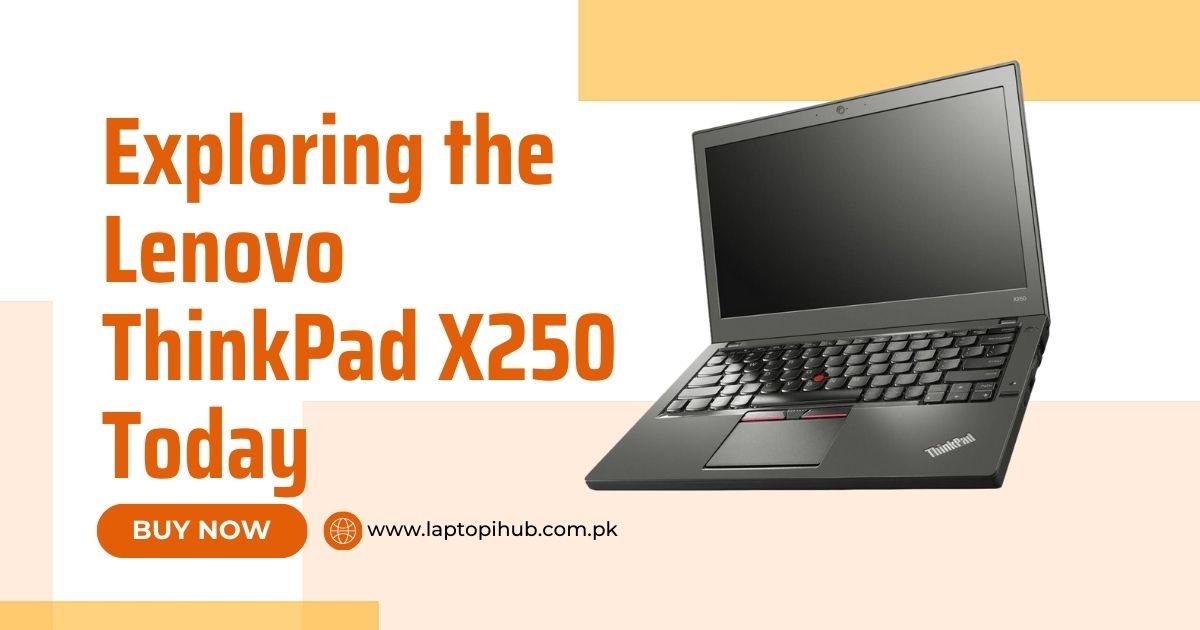
Discover the Lenovo ThinkPad X250’s durability, performance, and why it’s still a top pick for professionals in 2025.
When it comes to laptops that mean business, the Lenovo ThinkPad series is a name that commands respect. Whether you’re a corporate warrior or a freelance writer typing away in cafés, you’ve probably crossed paths with one of these iconic black notebooks.
You might be thinking, “Wait, the X250? Isn’t that kind of… old?” Well, yes and no. While it isn’t the shiny new toy on the market anymore, this little beast holds its own. It’s durable, compact, customizable, and surprisingly affordable for what it offers. In a world full of overpriced flashy machines, the X250 is like that reliable old friend who never lets you down.
The X250 is all about portability. With a 12.5-inch form factor and weighing around 3 pounds, this laptop screams “grab-and-go.” It fits easily in any backpack, making it perfect for commuters, digital nomads, or college students.
This machine isn’t just built for show. It features a robust chassis and magnesium-reinforced roll cage. You can feel its quality the moment you pick it up—solid, like it was made to survive more than just office hours.
Lenovo didn’t cut corners here. The X250 passed MIL-STD 810G tests, which means it can handle drops, extreme temperatures, humidity, and even dust storms. Yep, it’s basically the Chuck Norris of laptops.
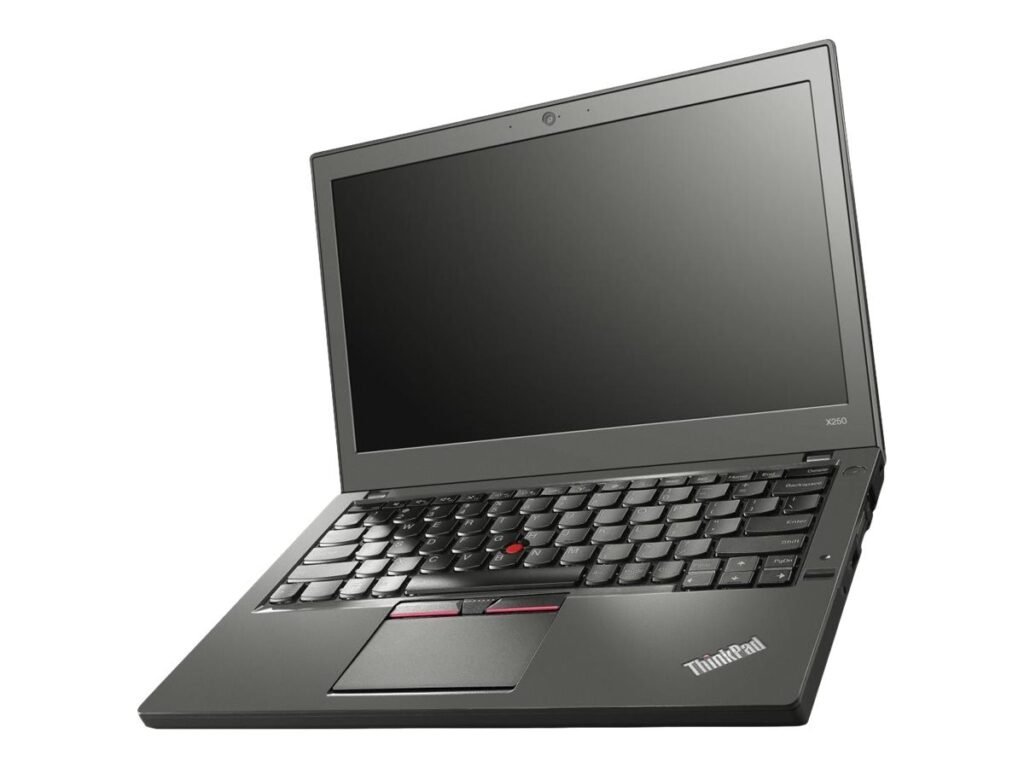
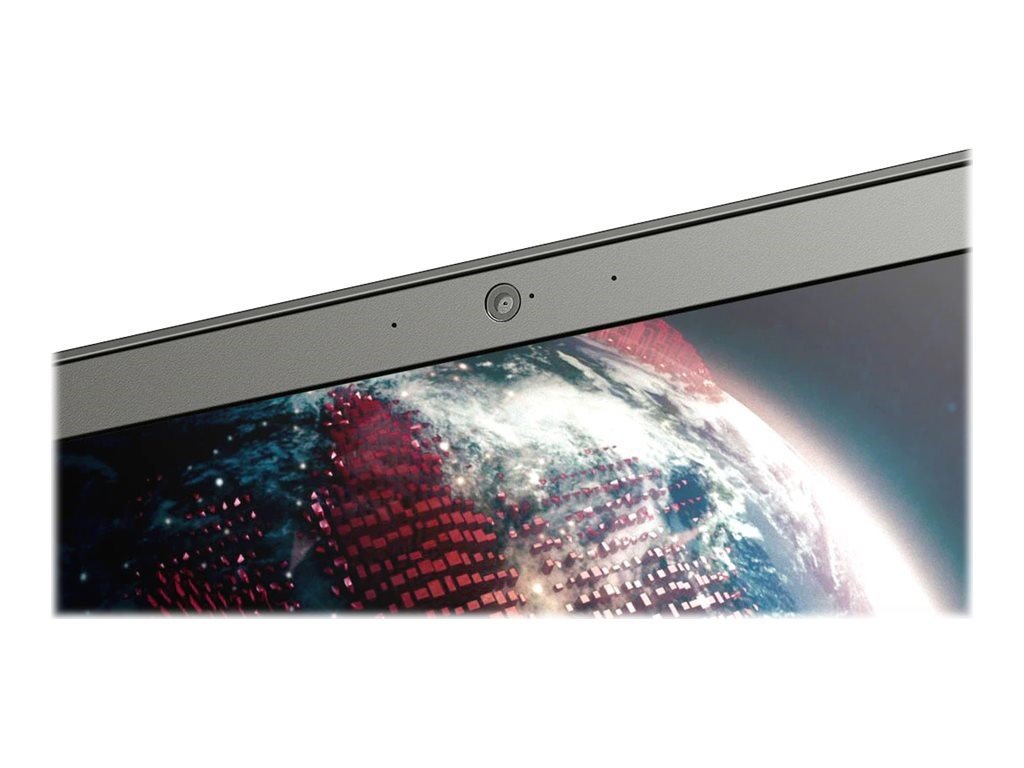
You’re getting a 12.5-inch display, which may sound small compared to today’s average 15-inch screens. But for many users, that’s actually a huge plus—it’s more portable and keeps your focus sharp. Resolution options include 1366×768 and full HD 1920×1080, the latter being your best bet for clarity.
Unlike glossy screens that double as mirrors, the X250’s matte finish keeps glare to a minimum. This is ideal for anyone who’s tired of squinting at reflections while trying to get work done.
While the brightness isn’t eye-blinding, it’s sufficient for shaded outdoor use. Don’t expect it to shine like a MacBook under the sun, but hey, it wasn’t designed for beach days.
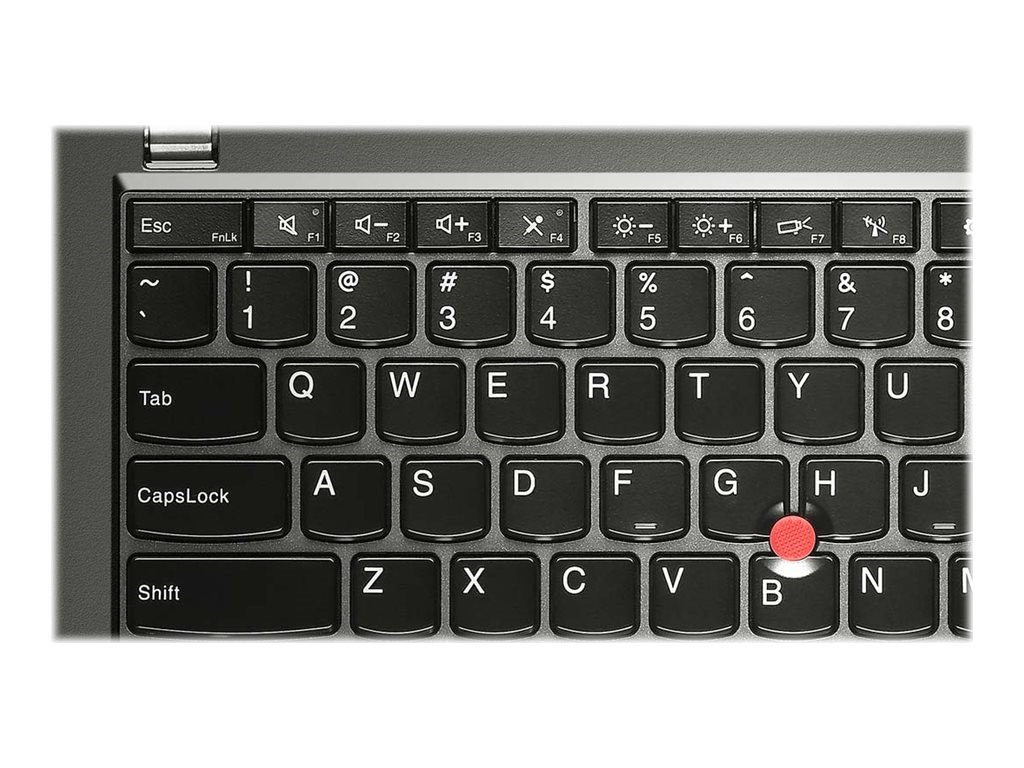
If you’ve never typed on a ThinkPad keyboard, you’re in for a treat. Tactile feedback? Check. Proper key travel? Double-check. Whether you’re drafting novels or responding to emails, your fingers will thank you.
The X250 gives you both a responsive trackpad and Lenovo’s signature red TrackPoint. It’s like the Swiss Army knife of navigation—old-school and modern at the same time.
You’ll usually find the X250 powered by Intel’s 5th-gen Core i5 or i7 CPUs. While not cutting-edge today, they still pack enough punch for everyday tasks like browsing, spreadsheets, and even light photo editing.
Most units come with 4GB to 8GB of DDR3 RAM (upgradable), and storage ranges from traditional HDDs to snappy SSDs. Want speed? Swap in an SSD, and it’ll feel like a whole new machine.
You won’t be editing 4K videos on this thing, but for juggling tabs, emails, and Office apps? Smooth sailing.
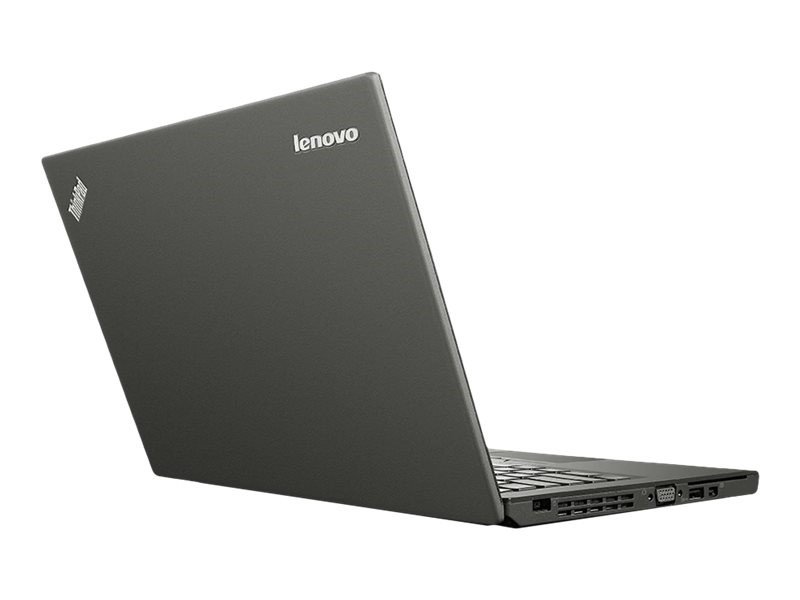
Here’s where it gets cool—Lenovo’s Power Bridge tech allows the X250 to use an internal battery and a removable one. You can hot-swap batteries without shutting the system down. Genius!
Depending on usage and battery size (3-cell vs. 6-cell), you can expect 6 to 12 hours of juice. That’s a full day’s work with some juice left over for Netflix.
Power Bridge is seriously underrated. Traveling? Just pack an extra battery and swap it mid-flight. Productivity never sleeps.
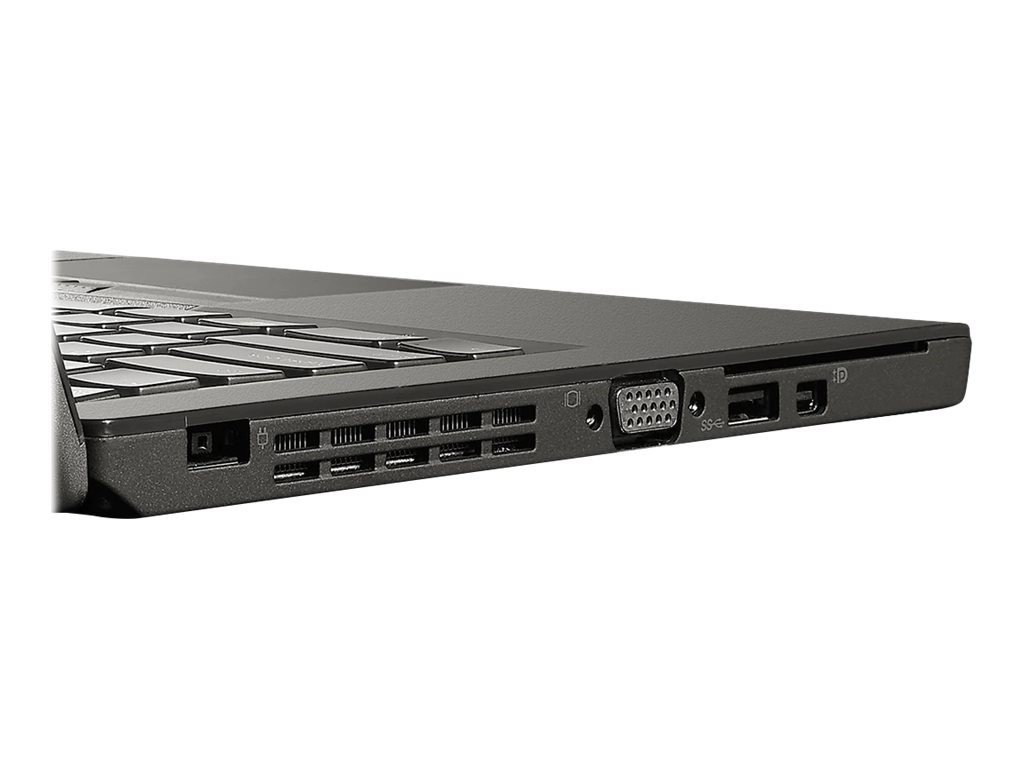
In a world moving towards dongles and adapters, the X250 is refreshingly generous. You get USB 3.0 ports, VGA, Mini DisplayPort, SD card reader, Ethernet, and more.
Wi-Fi is solid, Bluetooth is reliable, and if you’re into docking stations, this baby supports Lenovo’s docking solutions like a champ.
Select models include a fingerprint scanner, making login a breeze and adding that extra layer of protection.
You’ve also got BIOS-level security features and Trusted Platform Module (TPM) support—great for IT departments or security-conscious folks.
Whether you’re a Windows fan or Linux enthusiast, the X250 plays nice with both. Ubuntu runs flawlessly, and Windows 10 (or even 11 with tweaks) is fully supported.
It comes with Lenovo’s suite of software like Solution Center and Power Manager, which are handy without being too bloaty.

The bottom panel pops off easily—no fancy tools needed. Upgrade RAM, swap in an SSD, or replace a dying battery in minutes.
Keep it clean, update the BIOS, and consider repasting the CPU every few years for longevity. This machine is made to last.
Lightweight, affordable, and easy to carry—students and writers will love this workhorse.
If you’re handling spreadsheets, presentations, and remote meetings, the X250 still delivers.
Fits in any bag, lasts all day, and won’t make you cry if you drop it? Perfect for the road warrior.
Sure, new ultrabooks are sleeker, but not necessarily better in real-world performance. The X250 offers solid value without the fluff.
Upgradability, durability, battery life, and price—all checkmarks for the savvy buyer who doesn’t need a fashion statement.
You won’t find new X250s easily, but the refurb market is full of deals. Many units are professionally restored and come with warranties.
Look on Our website, Amazon, eBay, and certified refurbishers like Back Market or Lenovo’s own outlet store.
Absolutely! If you’re after a reliable, no-nonsense laptop that gets the job done without breaking the bank, the X250 is still a smart buy. It’s like the Toyota Corolla of laptops—might not turn heads, but it’ll never let you down.
Yes, with some tweaks, Windows 11 runs fine, although it’s not officially supported.
Not really—it’s designed for productivity, not heavy graphics.
Super easy! Just remove a few screws, and you’re in.
Yes, especially if you’re on a budget and need a solid work machine.
Definitely. The external battery is hot-swappable, and the internal one is also replaceable with basic tools.
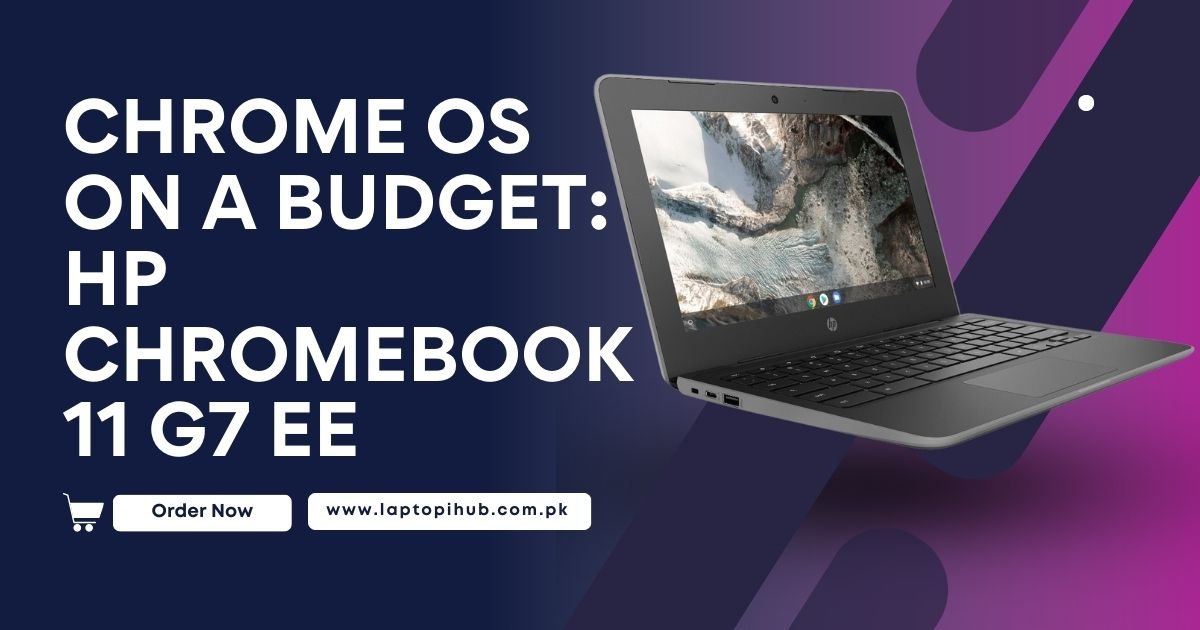
Explore the HP Chromebook 11 G7 EE – a budget-friendly, durable, and student-ready Chromebook with all-day battery life and Chrome OS simplicity.
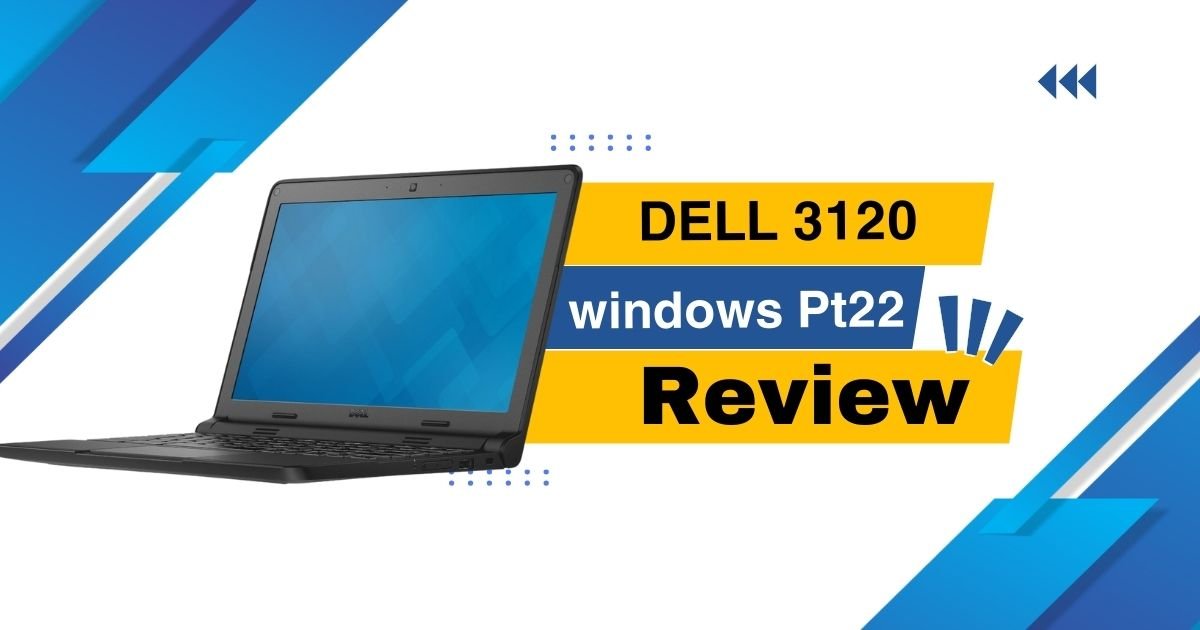
Buy the Dell 3120 with Windows Pt22 today – compact, budget-friendly, and perfect for students, remote work, and everyday use.

Discover the durable and versatile Acer Chromebook Spin 11 R751T, perfect for students, teachers, and everyday use.
Faisalabad, Punjab Pakistan
Monday – Friday: 7am – 5pm
Saturday: 9am – 3pm
Subscribe to the weekly newsletter for all the latest updates
Copyright © 2025 Laptopihub. All Rights Reserved. Developed by ITDesert
WhatsApp us