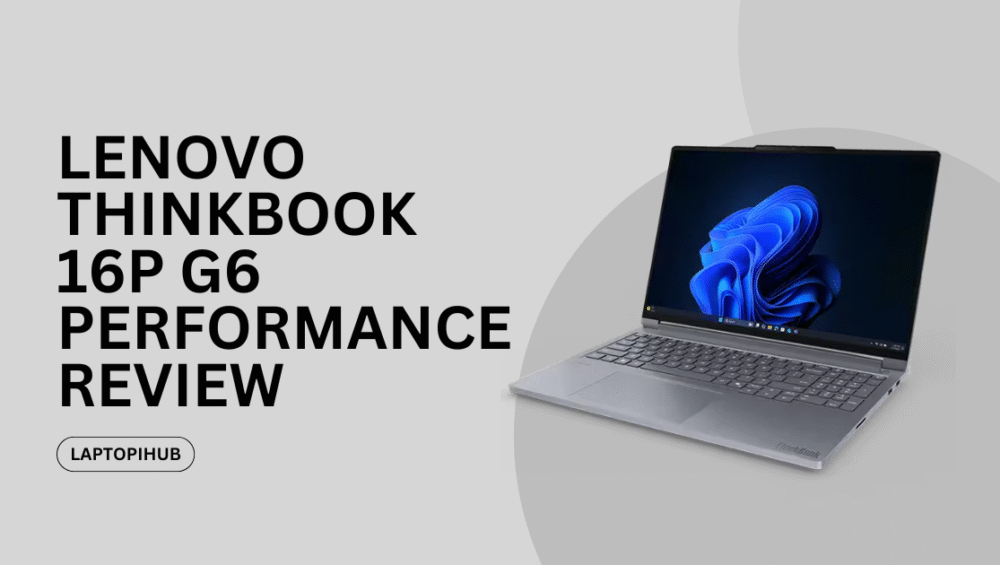
Explore Lenovo ThinkBook 16p G6 specs, performance, display, battery, and design in this detailed review for creators and professionals.

Lenovo ThinkBook 16p G6 Performance Review

Explore Lenovo ThinkBook 16p G6 specs, performance, display, battery, and design in this detailed review for creators and professionals.

Introduction to the ThinkBook 16p G6

If you’re hunting for a laptop that feels professional, performs like a beast, and still looks stylish enough for a café table, the Lenovo ThinkBook 16p G6 might already be on your radar. This machine sits right at the intersection of business productivity and creative power. Think of it as a tailored suit with a hidden gym membership — sleek on the outside, muscular on the inside.

Lenovo has designed this model for users who demand more than basic office work. Whether you’re editing videos, designing graphics, or juggling heavy multitasking, the ThinkBook 16p G6 aims to keep up without breaking a sweat.

Lenovo ThinkBook Series Overview

Where ThinkBook Fits in Lenovo’s Lineup

Lenovo’s laptop family is massive. You’ve got ThinkPads for hardcore business users, Yoga models for flexibility lovers, and Legion laptops for gamers. The ThinkBook series sits comfortably in the middle — professional, powerful, but not boring.

The ThinkBook 16p G6 takes this philosophy and cranks it up. It’s built for professionals who want performance without the flashy gamer look. No RGB overload here — just clean lines and serious capability.

Design and Build Quality

Premium Metal Chassis

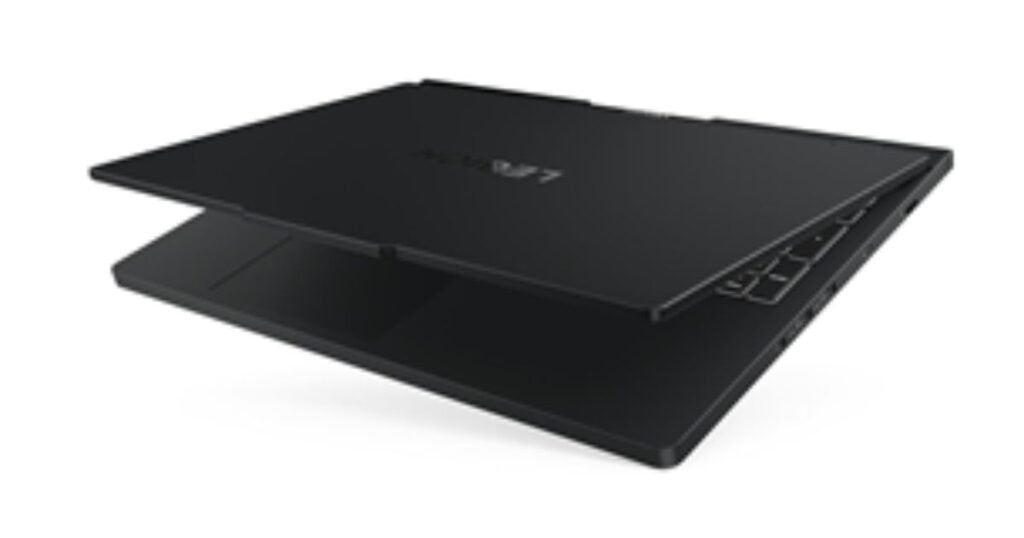
Right out of the box, the ThinkBook 16p G6 feels premium. The aluminum body gives it a solid, confident presence. Pick it up, and there’s no creaking or flexing — it feels dependable, like a well-built tool rather than a fragile gadget.

The dual-tone lid design adds a subtle visual flair without screaming for attention. It’s professional enough for meetings and stylish enough for everyday use.

Portability vs Power Balance

Let’s be honest — this isn’t an ultra-light laptop. But for a 16-inch performance machine, Lenovo has done a solid job keeping the weight reasonable. It’s portable enough to move between workspaces without feeling like a workout session.

Display Quality and Visual Experience

Screen Size and Resolution

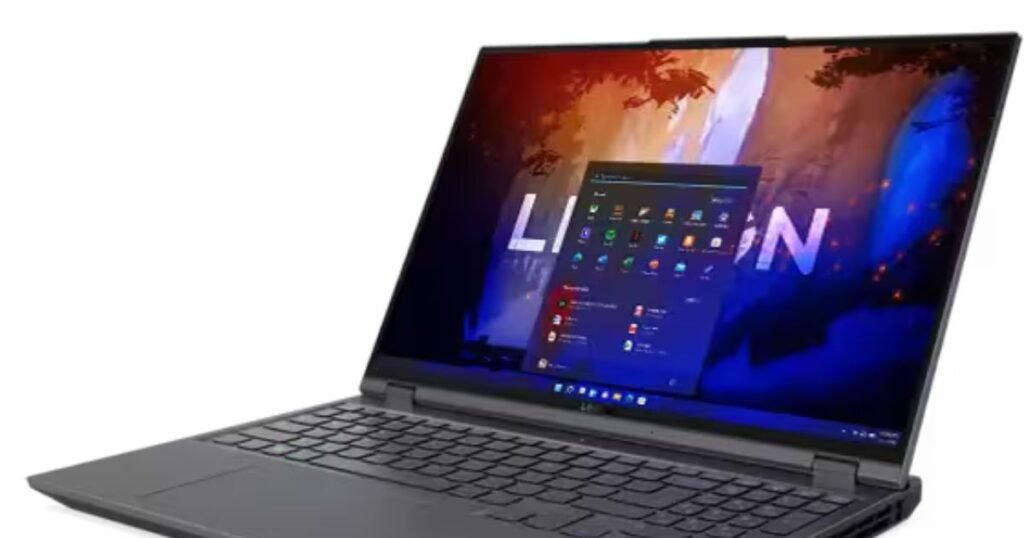
The 16-inch display is one of the biggest highlights here. With a high-resolution panel, everything looks sharp, from text documents to detailed video timelines. The 16:10 aspect ratio gives you extra vertical space, which feels like a breath of fresh air when scrolling or editing.

Color Accuracy and Brightness

Colors pop without looking unnatural. This makes the ThinkBook 16p G6 especially appealing for designers, photographers, and video editors. Brightness levels are strong enough for well-lit rooms, and contrast is handled beautifully.

Simply put, this display doesn’t just show content — it enhances it.

Performance and Processing Power

CPU Capabilities

Under the hood, the ThinkBook 16p G6 packs serious processing power. Whether you’re compiling code, rendering videos, or running multiple heavy apps at once, the system stays responsive. It’s like having a multi-lane highway instead of a narrow street — traffic just flows.

GPU Performance for Creators

This laptop isn’t just about raw CPU muscle. Dedicated graphics make a noticeable difference for creative workloads. Video editing timelines scrub smoothly, 3D models rotate without lag, and even casual gaming feels surprisingly capable.

Memory and Storage Configuration

RAM Options

Multitasking is where this machine truly shines. With generous RAM options, you can jump between apps without the system slowing you down. Browser tabs, design tools, spreadsheets — all coexist peacefully.

SSD Speed and Expandability

Fast SSD storage means quick boot times and instant file access. Large projects load in seconds, not minutes. Plus, expandability options give peace of mind for future upgrades.

Keyboard and Touchpad Experience

Typing Comfort

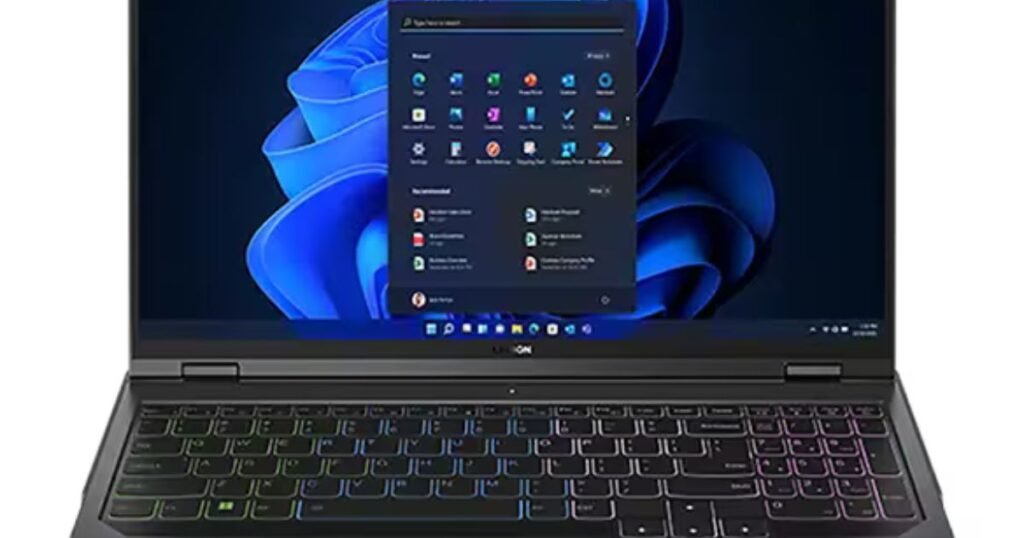
Lenovo has always nailed keyboards, and the ThinkBook 16p G6 continues that tradition. The keys offer good travel and tactile feedback, making long typing sessions comfortable and satisfying.

Precision Touchpad

The touchpad is smooth, responsive, and accurate. Gestures work effortlessly, and it feels reliable — no random jumps or missed clicks.

Audio and Webcam Features

Speaker Quality

The speakers deliver clear, balanced sound. They won’t replace external speakers for serious audio work, but for meetings, videos, and casual listening, they get the job done nicely.

Camera and Privacy Shutter

The webcam offers solid image quality for video calls, and the physical privacy shutter is a small but appreciated feature. It’s like closing the curtains when you want privacy — simple and reassuring.

Battery Life and Charging

Real-World Battery Performance

For a performance-focused laptop, battery life is respectable. You won’t get all-day unplugged usage under heavy workloads, but for mixed use, it holds up well.

Fast Charging Support

Fast charging is a lifesaver. A short plug-in session can give you hours of productivity, perfect for busy schedules.

Ports and Connectivity

Wired Connectivity

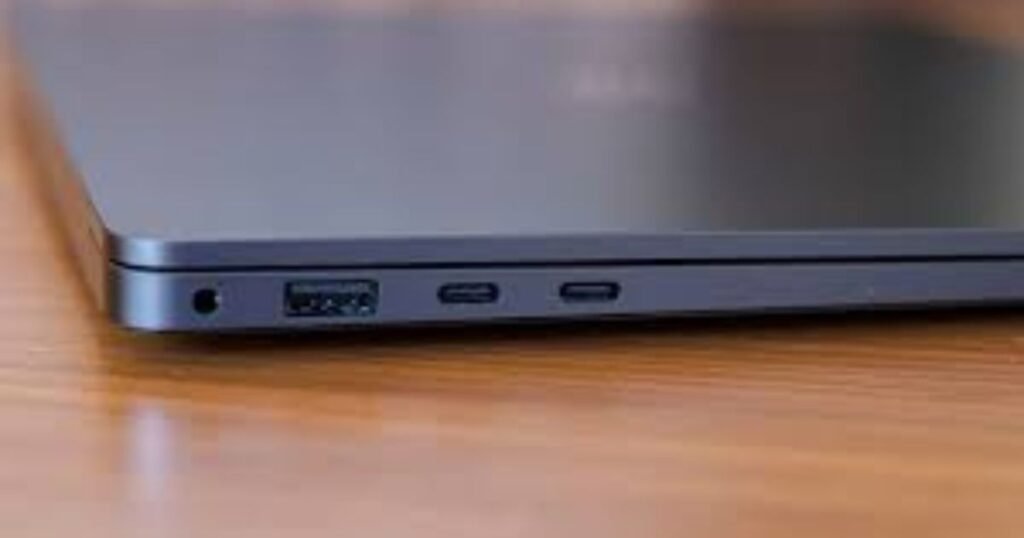
The ThinkBook 16p G6 doesn’t believe in dongle life. With a solid selection of ports, connecting external displays, storage, and peripherals is effortless.

Wireless Standards

Modern Wi-Fi and Bluetooth support ensure fast, stable connections whether you’re working from home or a café.

Software and Security Features

Preinstalled Software

Lenovo keeps bloatware minimal, which is refreshing. What you get is mostly useful tools rather than unnecessary clutter.

Business-Level Security

From firmware-level protection to biometric options, security features are thoughtfully integrated, making this laptop suitable for professional environments.

Thermals and Cooling System

Despite its power, the ThinkBook 16p G6 manages heat well. The cooling system keeps temperatures under control, even during demanding tasks. Fan noise exists, but it’s reasonable and not distracting.

Who Should Buy the ThinkBook 16p G6?

This laptop is ideal for creators, developers, engineers, and power users who want strong performance without a gaming aesthetic. If your work demands muscle but your style prefers subtlety, this machine fits the bill perfectly.

Lenovo ThinkBook 16p G6 Pros and Cons

It offers a strong balance of performance, display quality, and build, though its size and price may not suit everyone. For the right user, however, it’s a powerful companion.

Conclusion

The Lenovo ThinkBook 16p G6 is a confident, capable laptop that doesn’t try to be flashy — it simply performs. With a stunning display, strong internals, excellent keyboard, and professional design, it feels purpose-built for modern power users. If you want a machine that works as hard as you do and still looks good doing it, this ThinkBook deserves serious consideration.

Frequently Asked Questions (FAQs)

Q1: Is the Lenovo ThinkBook 16p G6 good for video editing?

Yes, its powerful CPU, dedicated graphics, and high-quality display make it well-suited for video editing tasks.

Q2: Can the ThinkBook 16p G6 handle multitasking?

Absolutely. With ample RAM and fast storage, it handles heavy multitasking smoothly.

Q3: Is this laptop suitable for business use?

Yes, it offers professional design, strong security features, and excellent performance for business workloads.

Q4: How portable is the ThinkBook 16p G6?

While not ultra-light, it’s reasonably portable for a 16-inch performance laptop.

Q5: Does the ThinkBook 16p G6 support fast charging?

Yes, fast charging support allows you to quickly top up the battery and get back to work.
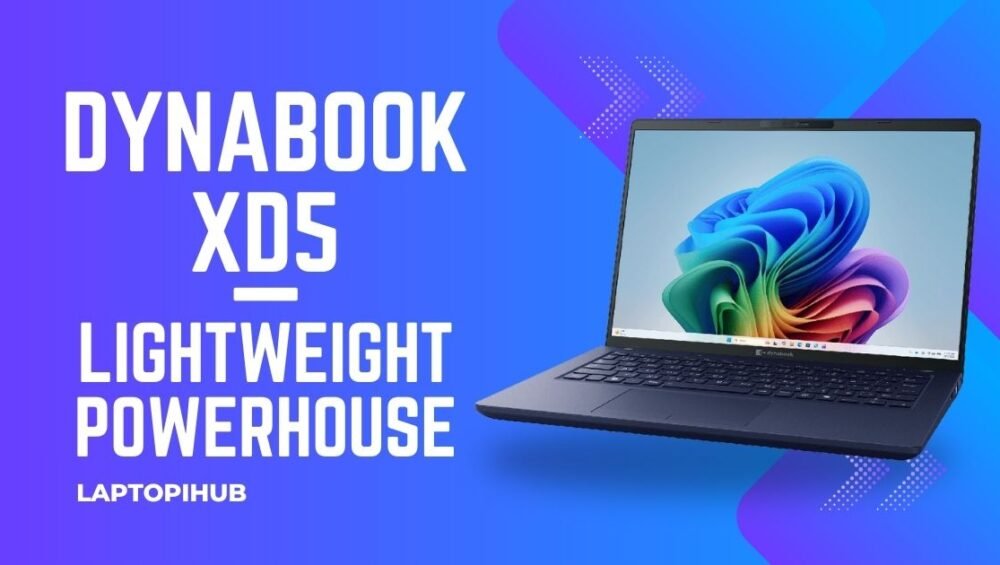
Read More: Dynabook XD5 — Lightweight Powerhouse

Dynabook XD5 blends thin-and-light design with solid performance, long battery life, and business-friendly features — a smart pick for mobile professionals.

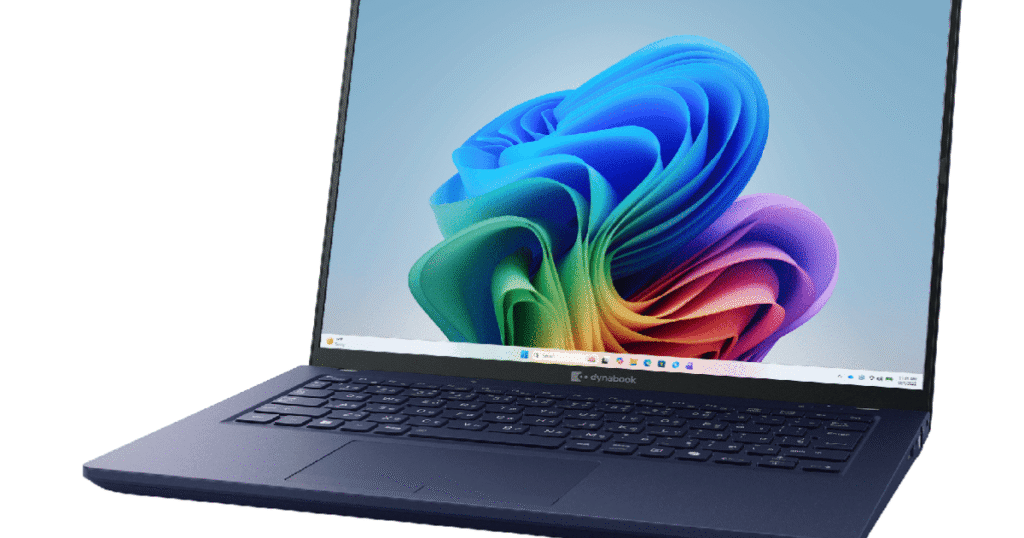
Dynabook XD5 — Lightweight Powerhouse

Dynabook XD5 blends thin-and-light design with solid performance, long battery life, and business-friendly features — a smart pick for mobile professionals.

Introduction: Why the Dynabook XD5 matters

If you’re hunting for a laptop that balances portability with dependable performance, the Dynabook XD5 deserves a spot on your shortlist. It’s like the reliable commuter bike of laptops — not the flashiest, but it gets you where you need to go efficiently and comfortably. The XD5 targets people who work on the move: think consultants, hybrid workers, and students who value a slim footprint without giving up usable power.

Design and Build Quality

Materials and feel

The XD5 typically favors a minimalist aesthetic: clean lines, a matte finish, and a sturdy hinge. The chassis aims to be durable without being heavy — a welcome trait when you’re carrying it all day. Expect a professional look that won’t draw attention but won’t look out of place in a meeting with clients.

Portability and weight

Portability is one of the XD5’s selling points. It’s built to slip into a backpack or briefcase easily, making it suitable for commuters and travelers. If mobility is a top priority for you, the XD5’s size and weight strike a sensible compromise between screen real estate and easy carry.

Display and Visuals

Resolution and brightness

Dynabook usually outfits its devices with crisp displays that balance resolution and battery life. On the XD5, you can expect a sharp 1080p option as the baseline — more than enough for spreadsheets, web work, and streaming videos without burning battery life.

Color and touch options

Depending on configuration, the XD5 may offer non-touch and touch variants. If you do casual photo editing or content consumption, the color reproduction is good enough. Professionals doing color-sensitive work might prefer an external monitor, but for everyday tasks the screen holds up well.

Performance and Hardware

Processor options

The XD5 is designed for everyday productivity. It typically ships with modern efficient processors that handle office apps, browser tabs, and light multitasking smoothly. Think of it as a dependable engine under the hood — not a race car, but more than capable for most business workflows.

Memory and storage

Configurations commonly include SSD storage and healthy RAM options. An SSD delivers snappy boot times and file access, while adequate RAM keeps multitasking fluid. If you multitask heavily, choose higher RAM and NVMe SSD options where possible.

Dynabook XD5

Battery Life and Charging

Typical real-world endurance

One of the XD5’s strengths is practical battery life. In real-world use — office apps, video calls, and web browsing — expect all-day usage under reasonable settings. It’s ideal for long meetings and flights where charging isn’t guaranteed.

Charging speed and features

Fast-charge support and USB-C charging on many models means you can top the battery quickly and use compact chargers. The convenience of USB-C also lets you use common laptop chargers or power banks when you’re traveling light.

Connectivity and Ports

I/O variety

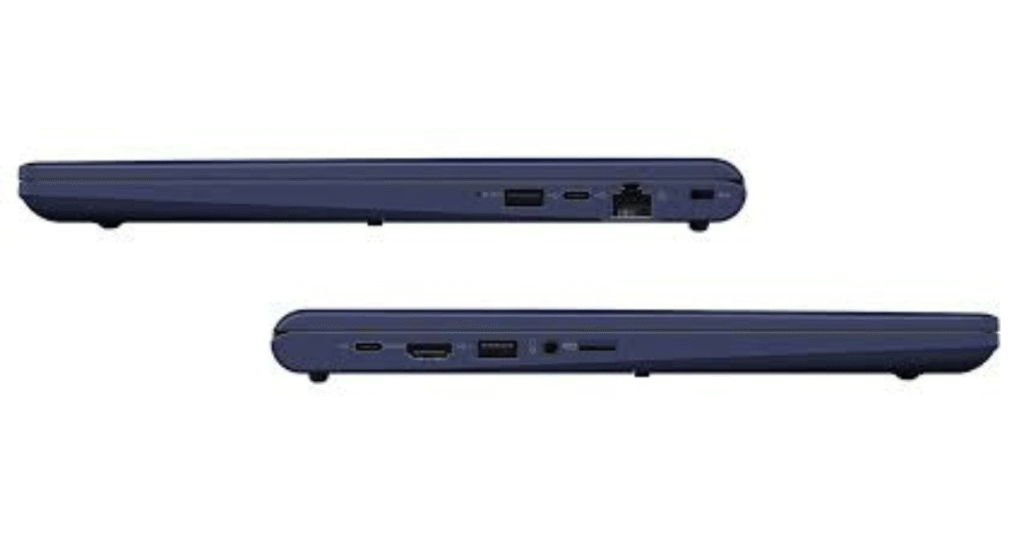
The XD5 is generous where it matters: a few USB-A ports, at least one USB-C, HDMI or DisplayPort options, and a headphone jack. This mix makes it simple to connect to projectors, external drives, or an extra monitor without hunting for adapters.

Wireless features

Expect modern Wi-Fi and Bluetooth performance for stable conferencing and accessory pairing. Solid wireless connectivity is a cornerstone for hybrid workers, and the XD5 aims to deliver it.

Dynabook XD5

Keyboard, Trackpad, and Input

Typing experience

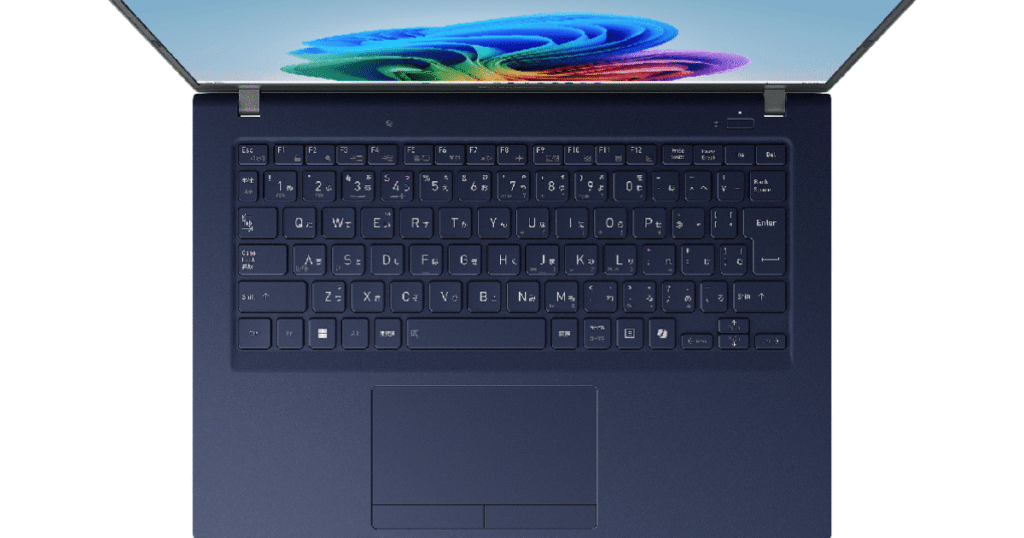
The keyboard is made for real typing — with travel and feedback tuned for longer sessions. If you write reports or code, the XD5’s keyboard should keep you comfortable. The trackpad is precise and responsive, making navigation frictionless.

Security features (fingerprint, TPM)

Security is business-minded: fingerprint readers and TPM chips are commonly included to keep your data secure. Combine that with Windows Hello and easy manageability, and IT teams will sleep easier.

Software and Business Features

Windows and bloatware

Dynabook typically ships with Windows set up for business users and minimal bloatware. That means faster out-of-box performance and a cleaner experience — a bonus for users who dislike uninstalling trial software.

Manageability for IT teams

For companies, manageability features like remote provisioning and enterprise-grade security options make enrollment and maintenance less of a headache. The XD5 is built to slot smoothly into corporate fleets.

Who Should Buy the Dynabook XD5

Students

If you’re a student who needs a dependable machine for notes, research, and streaming, the XD5 delivers the essentials without unnecessary cost.

Business users

Mobile professionals will appreciate the solid battery life, security features, and the professional build — it’s a sensible tool for remote work days and client meetings.

Content creators (lightweight tasks)

Casual creators who edit photos or cut short videos will find the XD5 serviceable, though heavy video editors may want a machine with a stronger GPU.

Comparisons and Alternatives

Vs. ultrabooks in same tier

Compared with premium ultrabooks, the XD5 typically offers better value for money — slightly fewer bells and whistles, but focused on reliability and serviceability.

Value play vs premium brands

If you want the highest performance-per-dollar and straightforward business features, the XD5 competes well against more expensive brand-name alternatives.

Dynabook XD5

Tips to Get the Most from Your XD5

Storage upgrades

If you plan to keep large media libraries, upgrade the SSD capacity at purchase or afterwards if possible — it’s an affordable performance upgrade.

Battery care

To prolong battery health, avoid keeping it at 100% plugged in constantly; cycle it occasionally and use battery saver profiles when on the go.

Conclusion

The Dynabook XD5 is a practical, no-nonsense laptop built for people who value mobility, reliability, and sensible business features. It’s not trying to be flashy; it’s designed to be useful, durable, and efficient. If your daily life demands a trustworthy machine that won’t slow you down, the XD5 should be on your radar.

FAQs

Q1: Is the Dynabook XD5 good for gaming?

A1: The XD5 is optimized for productivity and portability rather than gaming. Casual games run fine, but serious gaming needs a dedicated GPU found in gaming laptops.

Q2: Can I upgrade RAM or storage in the XD5?

A2: Many configurations allow storage upgrades and sometimes RAM expansion — check your exact model before buying if upgradability is important.

Q3: How does the XD5 compare to other business laptops?

A3: It competes strongly on price-to-performance, battery life, and manageability features. Premium ultrabooks may offer sleeker designs or higher-end displays, but the XD5 often wins on value.

Q4: Is the XD5 durable enough for travel?

A4: Yes — the chassis is designed for mobility and everyday wear. For heavy travel, consider a protective sleeve and routine maintenance.

Q5: What accessories should I get with the XD5?

A5: A USB-C dock, a lightweight travel charger, and an external SSD or monitor are handy accessories that extend the XD5’s versatility and productivity.

Read More: Lenovo Legion Pro Review

Discover the Lenovo Legion Pro — in-depth look at design, performance, display, battery, and who should buy this powerhouse gaming laptop.

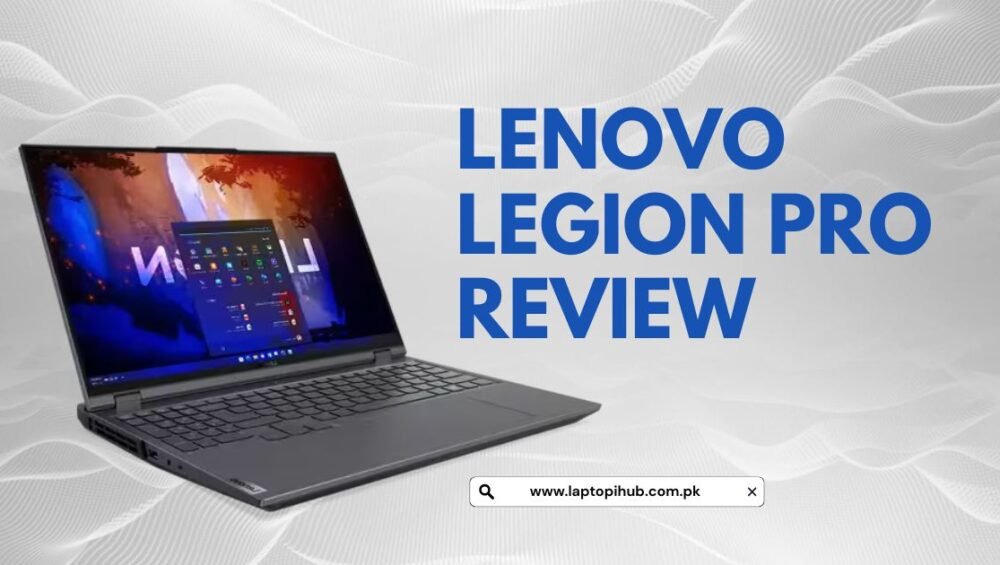
Lenovo Legion Pro Review

Discover the Lenovo Legion Pro — in-depth look at design, performance, display, battery, and who should buy this powerhouse gaming laptop.

Quick Overview

If you want a gaming laptop that feels like a desktop in a sleek, not-try-hard package, the Lenovo Legion Pro aims to hit that sweet spot. It’s built to deliver raw gaming power, crisp visuals, and a keyboard that won’t make your fingers miss a beat. But is it the perfect pick for you? Let’s walk through the parts that matter.

What’s New This Generation

Lenovo tweaked the Legion Pro in ways that matter rather than chasing gimmicks. Expect updated CPUs and GPUs from the latest mobile silicon wave, a more refined thermal layout, and subtle design refinements. It’s less about flashy changes and more about tightening the screws where it counts.

Design and Build

The Legion Pro doesn’t scream for attention, and that’s kind of the point. It’s a minimalist gaming laptop that borrows cues from professional workstations — matte surfaces, sturdy hinge, and a blocky silhouette that suggests seriousness, not showmanship.

Lenovo Legion Pro Review

Chassis and Materials

The chassis feels rigid and premium; there’s no flex where it counts. The lid closes with satisfying resistance and the hinge is solid without being stiff. It’s heavy enough to feel durable, but not so heavy that lugging it between rooms becomes a chore.

Keyboard and Trackpad

Lenovo’s keyboards are consistently excellent and the Legion Pro continues that trend. The key travel is responsive and the layout is intuitive for both gaming and typing. The trackpad is roomy and precise — not a gaming hero but perfectly usable for everyday tasks. The RGB is tasteful if you want it; not obligatory.

Display and Visuals

A great gaming laptop needs a great display, and the Legion Pro usually offers options that fit different priorities: ultrafast refresh rates for competitive gamers, or higher resolution and color fidelity for content creators.

Lenovo Legion Pro Review

Panel Options and Specs

Depending on the configuration you pick, panels range from high-refresh 144Hz/240Hz Full HD to sharp 2.5K or 3K displays. Lenovo tends to give sensible choices so you can opt for speed or detail without paying for both if you don’t need to.

Color, Brightness and Refresh

Color accuracy is solid out of the box on higher-tier panels — good for streaming, editing, and gaming with punchy, believable colors. Brightness is adequate for indoor use, and the high refresh options make motion buttery smooth in fast-paced titles.

Performance and Benchmarks

Performance is the Legion Pro’s playground. With top-tier mobile CPUs and potent GPUs, this laptop breezes through AAA games at high settings and muscle-heavy creative workloads.

Processor and GPU Choices

You can expect modern Intel or AMD mobile CPUs paired with NVIDIA RTX mobile GPUs in toxic-to-frames configurations. That means excellent single-core performance for gaming and multi-core power for streaming or rendering.

Thermals and Cooling Design

Lenovo’s thermal approach is pragmatic: big fans, generous heat pipes, and an intelligent airflow path. Under heavy loads the fans can get loud — which is a small price to pay for thermals that keep the hardware performing consistently rather than throttling.

Memory, Storage and Upgradability

Lenovo usually does well on expansion. The Legion Pro typically supports dual-channel RAM and multiple storage slots, meaning upgrades are straightforward for users who like to future-proof their machines. Swapping an SSD or adding RAM is not an ordeal for the moderately handy user.

Battery Life and Charging

A gaming laptop won’t compete with thin ultrabooks for battery longevity, and that’s true here. Expect enough battery life for light tasks and media but not for extended gaming sessions unplugged.

Real-world Battery Expectations

If you’re browsing, streaming video, and writing, you might see several hours. Start gaming on battery and you’ll be back to the charger fast. Lenovo’s power management helps, but physics and power-hungry components set the limits.

Charging Speeds and Options

Fast charging support is usually present and can juice the battery pretty quickly for a short session. USB-C charging options vary by model, so check the configuration if you need a secondary travel charger.

Ports, Connectivity and Webcam

The Legion Pro doesn’t skimp on connectivity. You’ll likely find a full suite of USB-A and USB-C ports, HDMI, Ethernet, and an SD card reader on some models. Wi-Fi 6 (or newer) and Bluetooth are standard, and the webcam is decent enough for video calls but remains a secondary concern for serious streamers.

Software, Extras and RGB

Lenovo bundles helpful utilities, most notably Lenovo Vantage, which centralizes system updates, performance modes, and thermal tuning. The RGB implementation is tasteful rather than garish, giving you control without forcing flashy profiles.

Lenovo Legion Pro Review

Lenovo Vantage and Tuning

Lenovo Vantage is the hub where you tune performance and fan curves. Want a quiet mode for work or a full-power mode for gaming? It’s all a few clicks away. The software is useful and thoughtful rather than bloated.

Lighting and Macro Controls

Per-key RGB and macro customization are present on higher trims. The software lets you program keys and lighting profiles, which makes the laptop feel customizable without being overwhelming.

Price, Configurations and Value

Legion Pro configurations span a wide price range. Lower-tier builds give you solid value for mainstream gaming, while top-tier models push into premium pricing that rivals thin-and-light workstations. The trick is to balance what you actually need against the sticker shock.

Who Should Buy the Legion Pro

If you want a gaming laptop that doubles as a workhorse for creative tasks, and you care about a sober, professional design, the Legion Pro is a natural fit. If you’re a competitive gamer who needs the absolute lightest machine, or a traveler who prioritizes battery life above all, consider alternatives.

Pros and Cons

The Legion Pro’s strengths are performance, build quality, and sensible feature set. The trade-offs are weight and battery life, plus fan noise under stress. It’s a machine that favors capability over compromises, which is great if raw power is your priority.

Conclusion

The Lenovo Legion Pro is a serious contender in the gaming laptop arena. It offers solid performance, a refined design, and sensible upgradability. It won’t be the lightest or longest-lasting battery performer, but if you want a dependable, powerful laptop that plays hard and works harder, the Legion Pro deserves a long look. Think of it as a compact desktop replacement — powerful, dependable, and ready to work when you are.

FAQs

Q1: Is the Lenovo Legion Pro good for content creation?

Yes. With strong CPUs and GPUs, color-accurate display options, and upgradeable RAM and storage, it’s well suited to video editing, 3D work, and streaming.

Q2: How loud does the Legion Pro get during gaming?

Fans can become noticeable under sustained heavy loads. Loudness is trade-off for keeping performance stable; you can use Lenovo Vantage to tune quieter profiles for light tasks.

Q3: Can I upgrade RAM and storage easily?

Generally yes. The Legion Pro is designed with user-accessible slots for RAM and SSDs; swapping components is straightforward for most users.

Q4: Is the display good for competitive gaming?

Definitely. High refresh rate panels (144Hz, 240Hz or higher on some configs) make the Legion Pro great for competitive play where frame rate fluidity matters.

Q5: Should I choose the Legion Pro over slimmer gaming laptops?

If you prioritize raw performance and thermal consistency over ultra-portability and battery life, the Legion Pro is the better choice. If you travel a lot and need longer battery life or a lighter chassis, consider slimmer alternatives.

Read More: Top 10 Laptops to Buy in 2025

Top 10 Laptops to Buy in 2025

Top 10 Laptops to Buy in 2025

Discover the top 10 laptops in 2025 with expert picks for work, gaming, and creativity plus simple buying advice.

Why 2025 Is a Game-Changer for Laptops

Laptops in 2025 feel very different from what we used just a couple of years ago. Faster processors, smarter AI features, longer battery life, and jaw-dropping displays have changed expectations completely. Buying a laptop today is no longer just about speed. It’s about how well that machine fits into your daily routine, whether you are working, studying, gaming, or creating content. Think of modern laptops as digital companions rather than just tools. They wake instantly, last all day, and adapt to how you work instead of forcing you to adapt to them.

How These Laptops Were Selected

This list focuses on real-world performance, not just flashy specifications. The laptops included here balance power, battery life, build quality, display clarity, and long-term usability. Each one serves a different type of user, from casual everyday users to hardcore gamers and professionals who push their machines to the limit. The goal is simple: help you find the right laptop without confusion or regret later.

1. Apple MacBook Air M4

The MacBook Air M4 easily earns its place as one of the best laptops in 2025. It is slim, silent, powerful, and incredibly efficient. Apple’s M4 chip delivers smooth performance for everyday tasks like browsing, video editing, and multitasking while maintaining impressive battery life. The lightweight design makes it perfect for students and professionals who are always on the move. Using it feels like gliding on a smooth road with no bumps, even when juggling multiple apps at once.

Top 10 Laptops to Buy in 2025

2. Apple MacBook Pro M4 Pro and Max

For professionals who demand more power, the MacBook Pro with M4 Pro or Max chips is a beast. It handles demanding workloads such as video editing, 3D rendering, and software development without breaking a sweat. The display is stunning, the speakers are rich, and the keyboard feels comfortable during long work sessions. This laptop is like having a portable studio that fits neatly into your backpack.

3. Dell XPS 13 Plus

Dell continues its legacy with the XPS 13 Plus, a sleek and modern laptop built for productivity. Its compact design hides impressive power, making it ideal for office work, writing, and light creative tasks. The battery easily lasts a full workday, and the display remains one of the best in its class. It’s a laptop that quietly gets things done without demanding attention.

4. Lenovo Yoga 9i Gen 9

The Lenovo Yoga 9i is perfect for users who love flexibility. It transforms effortlessly from laptop to tablet, making it great for note-taking, presentations, and creative work. The touchscreen feels responsive, and the design screams premium. This device adapts to you, whether you are typing a report or sketching ideas during a brainstorming session.

Top 10 Laptops to Buy in 2025

5. Asus Zenbook S16 OLED

If portability is your priority, the Asus Zenbook S16 OLED is a strong contender. It combines a lightweight design with a vibrant OLED display that makes everything look sharp and colorful. Despite its slim profile, it delivers solid performance for everyday use. This laptop feels like carrying a notebook but performs like a full-sized machine.

6. HP Spectre x360 14

The HP Spectre x360 blends style with substance. It looks elegant while offering strong performance and a versatile convertible design. The display is crisp, the battery is reliable, and the keyboard feels comfortable for extended typing. It’s the kind of laptop that turns heads in meetings while still delivering dependable results.

7. Asus ROG Zephyrus G14

Gaming laptops have come a long way, and the Zephyrus G14 proves it. This compact gaming powerhouse offers excellent performance without the bulk usually associated with gaming machines. It handles modern games smoothly while remaining portable enough for daily use. It’s like fitting a sports car engine into a compact body.

8. Razer Blade 16

The Razer Blade 16 is designed for users who want premium design and serious power. It excels in gaming, creative tasks, and multitasking. The build quality feels solid, and the display offers high refresh rates for smooth visuals. This laptop feels luxurious while delivering raw performance.

9. MSI Raider 18 HX

For those who want desktop-level power in a laptop form, the MSI Raider 18 HX delivers. It is large, powerful, and unapologetically built for performance. Gamers and creators who need maximum processing power will appreciate its ability to handle heavy tasks with ease. This laptop doesn’t compromise; it dominates.

Top 10 Laptops to Buy in 2025

10. Framework Laptop 13

The Framework Laptop stands out for its modular design. Unlike most laptops, this one allows you to upgrade and repair components easily. It’s perfect for users who value sustainability and long-term use. Instead of replacing your laptop every few years, you can simply upgrade parts as needed, making it a smart and eco-friendly choice.

Which Laptop Should You Choose in 2025

Choosing the right laptop depends on how you plan to use it. If you want simplicity and long battery life, lightweight models are ideal. For creative professionals, power and display quality matter most. Gamers should focus on graphics performance and cooling. The best laptop is not the most expensive one, but the one that fits your daily needs like a glove.

Buying Tips Before You Spend Your Money

Before purchasing, think about your future needs. Consider battery life, upgrade options, and how portable you want your laptop to be. Spending a little more on quality now can save frustration later. Avoid chasing specs you will never use and focus on real-life performance instead.

Conclusion

The laptop market in 2025 offers something for everyone. From ultra-light productivity machines to powerful gaming rigs and flexible convertibles, the choices are better than ever. The key is understanding what you truly need and selecting a laptop that enhances your workflow rather than complicating it. Choose wisely, and your laptop will feel less like a device and more like a trusted partner.

Frequently Asked Questions

Which laptop is best for everyday use in 2025?

The MacBook Air M4 is one of the best choices for everyday tasks due to its balance of performance and battery life.

Are gaming laptops suitable for work as well?

Yes, many modern gaming laptops like the Zephyrus G14 work well for productivity and creative tasks.

Is it worth buying a modular laptop?

If you value long-term upgrades and sustainability, modular laptops are an excellent investment.

Do I need a 2-in-1 laptop?

A 2-in-1 is ideal if you enjoy touchscreen use, note-taking, or creative flexibility.

How long should a good laptop last?

A quality laptop should comfortably last four to five years with proper care.

Read More: Microsoft Surface Laptop 7

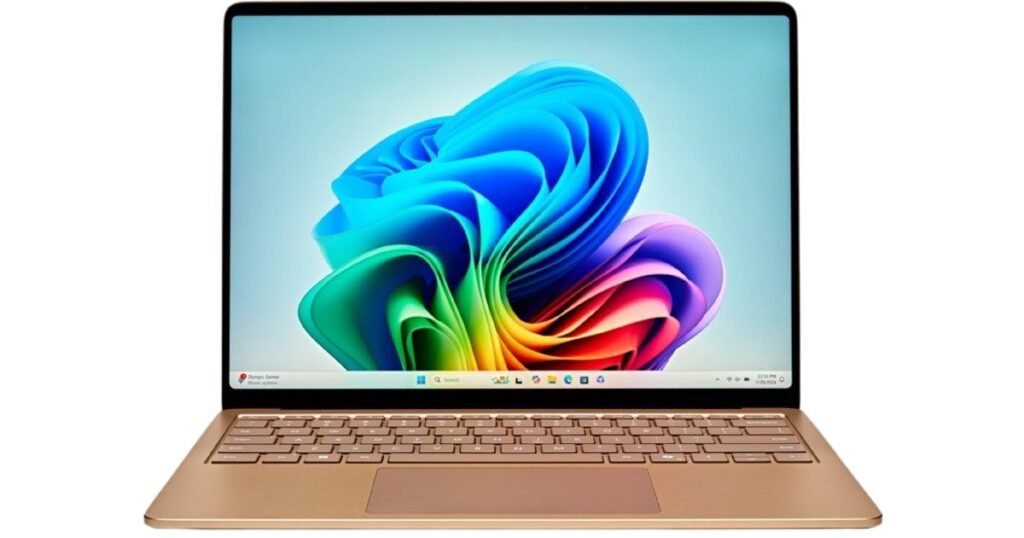
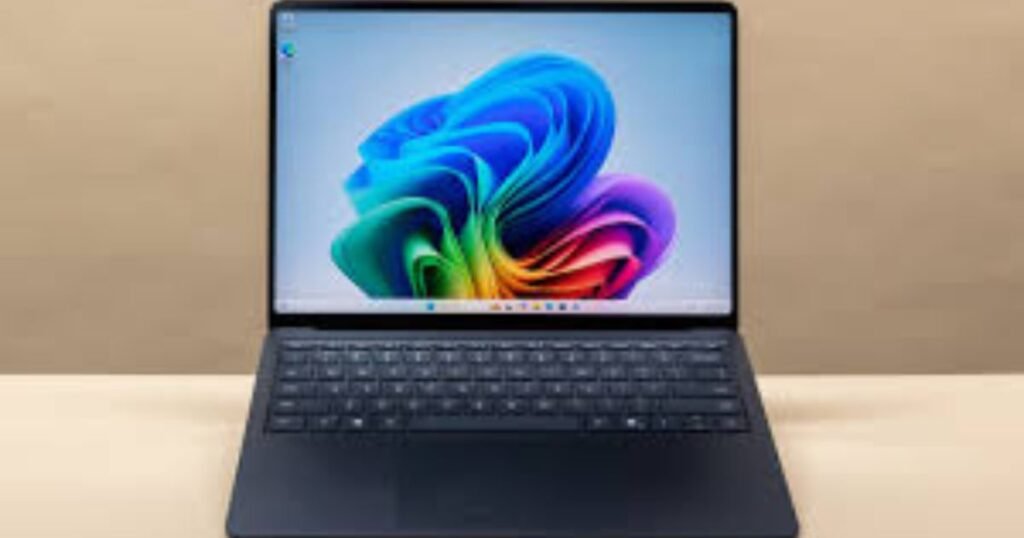
Microsoft Surface Laptop 7 Review and Features

Microsoft Surface Laptop 7 Review and Features

Discover Microsoft Surface Laptop 7 features, performance, battery life, display, and who it’s best for in this detailed review.

Introduction to Microsoft Surface Laptop 7

The Microsoft Surface Laptop 7 represents a major step forward in Microsoft’s laptop lineup. It is not just a visual refresh but a strategic move toward AI-powered computing and improved efficiency. Designed for professionals, students, and everyday users, this laptop blends premium hardware with intelligent software features. Microsoft aims to compete directly with top ultrabooks by offering a sleek design, impressive battery life, and next-generation performance.

Design and Build Quality

The Surface Laptop 7 continues Microsoft’s minimalist design philosophy. It feels solid in hand, with a smooth aluminum chassis that reflects premium craftsmanship. The laptop is thin, lightweight, and easy to carry, making it ideal for commuters and remote workers. Every edge feels refined, and the overall build gives confidence that this device is built to last. It strikes a balance between elegance and durability, much like a well-tailored suit that looks good and works hard.

Display Quality and Visual Experience

One of the standout features of the Surface Laptop 7 is its display. The PixelSense touchscreen offers sharp visuals, vibrant colors, and excellent brightness. The high refresh rate makes scrolling and animations feel fluid, giving the screen a lively and responsive feel. Whether you are editing documents, watching videos, or browsing the web, the display delivers a smooth and immersive experience that keeps eye strain to a minimum.

Performance and Processing Power

Performance is where the Surface Laptop 7 truly shows its evolution. It is built to handle everyday tasks effortlessly, from multitasking with multiple apps to handling demanding workloads like photo editing and coding. The laptop feels fast, responsive, and efficient, with minimal lag even under pressure. It is designed to keep up with modern work habits, where speed and reliability are non-negotiable.

Snapdragon vs Intel Variants Explained

Microsoft offers the Surface Laptop 7 in both Snapdragon and Intel configurations, giving users flexibility based on their needs. The Snapdragon version focuses on efficiency, long battery life, and AI acceleration, making it perfect for users who value portability and all-day use. The Intel variant, on the other hand, offers broader compatibility with traditional software and suits users who rely on legacy applications. Choosing between them feels like choosing between fuel efficiency and raw familiarity—both strong, depending on your priorities.

Microsoft Surface Laptop 7

AI Capabilities and Copilot Integration

AI is at the heart of the Surface Laptop 7 experience. With built-in AI processing, the laptop can handle tasks like real-time captions, smart image editing, and productivity enhancements locally. Microsoft Copilot is deeply integrated, acting like a digital assistant that helps with writing, organizing, and creative tasks. It feels less like a gimmick and more like a quiet helper working behind the scenes to make daily work easier.

Keyboard, Trackpad, and User Comfort

Typing on the Surface Laptop 7 is a pleasure. The keyboard offers comfortable key travel and a satisfying tactile response, making long writing sessions easy on the fingers. The trackpad is smooth, precise, and responsive, supporting modern gestures flawlessly. Together, they create a user experience that feels natural and intuitive, much like driving a well-tuned car that responds exactly how you expect.

Battery Life and Power Efficiency

Battery life is one of the strongest selling points of the Surface Laptop 7. Thanks to efficient hardware and intelligent power management, the laptop can easily last a full workday on a single charge. This makes it an excellent companion for travelers, students, and professionals who don’t want to stay tied to a power outlet. It’s the kind of reliability that lets you focus on work instead of constantly checking battery percentages.

Charging Speed and Power Management

Charging is quick and convenient, allowing users to regain hours of usage in a short amount of time. The laptop supports modern charging standards, ensuring efficient power delivery without overheating. Smart power management ensures that performance and battery life are balanced intelligently, adapting to how you use the device throughout the day.

Microsoft Surface Laptop 7

Storage Options and Expandability

The Surface Laptop 7 offers flexible storage options to suit different user needs. From basic configurations for everyday users to higher-capacity options for professionals, there is something for everyone. The ability to upgrade storage adds an extra layer of value, especially for users who plan to keep their device for several years. It’s a thoughtful touch that adds longevity to the laptop.

Connectivity and Port Selection

Connectivity on the Surface Laptop 7 is modern and practical. It includes a balanced selection of ports that reduce the need for adapters. Wireless connectivity is fast and stable, ensuring smooth video calls, quick downloads, and reliable online work. This makes the laptop well-suited for both home offices and on-the-go environments.

Microsoft Surface Laptop 7

Software Experience with Windows 11

Running Windows 11, the Surface Laptop 7 feels polished and optimized. The interface is clean, animations are smooth, and AI-powered features integrate seamlessly into daily workflows. Windows 11 complements the hardware well, creating a unified experience that feels modern and intuitive. Everything works together in harmony, like instruments in a well-rehearsed orchestra.

Everyday Usage and Real-World Performance

In real-world use, the Surface Laptop 7 shines. It handles browsing, streaming, office work, and creative tasks with ease. App launches are fast, multitasking feels smooth, and the system remains cool and quiet most of the time. It’s the kind of laptop that fades into the background, letting you focus entirely on what you’re doing.

Pricing and Value for Money

The Surface Laptop 7 is positioned as a premium device, and its pricing reflects that. While it may not be the cheapest option, the combination of design, performance, battery life, and AI features offers strong value. For users who appreciate quality and long-term usability, the investment feels justified.

Who Should Buy the Microsoft Surface Laptop 7

This laptop is ideal for professionals, students, content creators, and anyone who wants a reliable, stylish, and future-ready device. If you value battery life, portability, and smart features, the Surface Laptop 7 fits perfectly. Users who rely heavily on older software may prefer the Intel version, while those embracing modern workflows will appreciate the Snapdragon model.

Conclusion

The Microsoft Surface Laptop 7 is more than just a laptop upgrade—it’s a glimpse into the future of personal computing. With its premium design, excellent display, strong performance, and intelligent AI features, it delivers a well-rounded experience. Whether you’re working, learning, or creating, this laptop adapts to your needs with ease. It’s a smart, stylish companion built for the modern digital lifestyle.

Frequently Asked Questions

Is the Microsoft Surface Laptop 7 good for students?

Yes, its long battery life, lightweight design, and smooth performance make it an excellent choice for students.

Can the Surface Laptop 7 handle professional work?

Absolutely. It performs well for productivity tasks, creative work, and multitasking, especially in higher configurations.

Does the Surface Laptop 7 support AI features?

Yes, it includes built-in AI capabilities and Microsoft Copilot integration for smarter workflows.

Is the Surface Laptop 7 good for travel?

Yes, its slim design, strong battery life, and fast charging make it ideal for frequent travelers.

Which version should I choose, Snapdragon or Intel?

Choose Snapdragon for battery life and efficiency, and Intel if you need maximum compatibility with traditional software.

Read More: Redmi 15 full review and buying guide

Redmi 15 Full Review and Buying Guide

Redmi 15 Full Review and Buying Guide

Redmi 15 review with full specs, battery life, performance, camera, price, and buying guide. Find out if it’s the right phone for you.

Introduction to Redmi 15

The Redmi 15 is Xiaomi’s latest addition to its popular lineup, designed to deliver maximum value for money. Packed with a massive battery, a big display, and both 4G and 5G variants, this device is aimed at people who want everyday reliability without spending a fortune. It is not about being a flagship killer but about being a dependable companion for daily life.

Design and Build Quality

The Redmi 15 carries a modern design language with smooth curves and a comfortable grip. While it doesn’t compete with premium glass-and-metal flagships, it still looks stylish and practical. The phone also comes with splash resistance, which adds a layer of durability for day-to-day usage.

Display Experience

A phone’s display is where you spend most of your time, and the Redmi 15 does not disappoint. It features a large 6.9-inch Full HD+ panel, making it perfect for streaming videos, scrolling through social media, and light gaming. With high refresh rate support, the scrolling experience feels smoother and more responsive compared to earlier models.

Performance and Variants

The Redmi 15 comes in two versions. The standard Redmi 15 is powered by the Snapdragon 685, offering solid efficiency for browsing, apps, and casual gaming. The Redmi 15 5G variant steps up with the Snapdragon 6s Gen 3, offering faster connectivity and slightly improved performance. Depending on your needs, you can choose between a value-focused 4G option or a more future-proof 5G model.

Battery Life and Charging

One of the strongest features of the Redmi 15 is its enormous 7000mAh battery. In real life, this means two days of usage for most people, even with heavy screen time. Charging is handled by 33W fast charging, which tops up the phone at a reasonable speed. It even supports reverse charging, allowing you to share power with smaller devices like earbuds or another phone.

Camera Performance

The Redmi 15 is equipped with a 50MP main camera that captures clear and vibrant photos in good lighting. In low-light scenarios, the dedicated night mode enhances performance and produces usable results. The front camera is well-suited for selfies and video calls, giving users dependable quality for social media and communication.

Software and User Interface

The device runs on Xiaomi’s HyperOS, built on the latest Android version. The interface is clean, fast, and comes with plenty of customization options. Xiaomi has been improving its software update cycle, which means users can expect regular improvements and security patches.

Connectivity and Features

With dual SIM support, reliable Wi-Fi, Bluetooth, and, in the 5G variant, high-speed mobile connectivity, the Redmi 15 covers all essentials. It also includes splash resistance, reverse charging, and a solid set of everyday sensors, ensuring convenience in regular use.

Price and Availability

Pricing for the Redmi 15 varies by region, but Xiaomi has positioned it competitively within the budget-to-midrange segment. The availability depends on the local market, so it is always best to check with official Xiaomi retailers or authorized stores for accurate pricing and launch details.

Pros and Cons

The Redmi 15 shines in areas like its battery life, large display, and value-focused design. On the flip side, its performance is good but not meant for heavy gaming, and its cameras, while reliable, do not reach flagship standards. Charging speed is decent but not the fastest in the industry. For most everyday users, these trade-offs are acceptable for the price.

Who Should Buy the Redmi 15

This device is ideal for students, travelers, and everyday users who value battery life and display quality over raw performance. If you are someone who hates carrying a charger everywhere and wants a phone that can last through long days, the Redmi 15 is made for you. However, if gaming or professional-level photography is a priority, you might want to look higher up the price ladder.

Tips Before Buying

Always choose the 5G variant if your area supports 5G and you plan to keep your phone for a long time. Purchase from authorized dealers to secure warranty benefits and software updates. Since the phone is slightly heavier due to its massive battery, investing in a sturdy case is also a smart move.

Final Verdict

The Redmi 15 is a powerhouse in terms of battery endurance and practical daily features. It is a phone built for real-world use rather than chasing benchmark numbers. For the average user who values a reliable device at a fair price, it makes a strong case as one of the best value phones of its generation.

FAQs

Q1: Does the Redmi 15 have a good battery?

Yes, with a 7000mAh battery, it lasts up to two days for most users.

Q2: What’s the difference between Redmi 15 and Redmi 15 5G?

The 5G version has a newer chipset with faster network support, while the regular one is 4G only.

Q3: Is Redmi 15 good for gaming?

It handles casual gaming fine but is not designed for heavy gaming titles.

Q4: How fast does the Redmi 15 charge?

It supports 33W fast charging, which is quick enough for its huge battery, plus reverse charging.

Q5: Is the Redmi 15 value for money?

Yes, it balances price, battery life, display, and performance, making it a solid choice for most users.

Read More: PlayStation 6 Next Gen Expectations

PlayStation 6 Next Gen Expectations

PlayStation 6 Next Gen Expectations

Discover PlayStation 6 with rumored release, specs, features, and how Sony’s next-gen console could redefine gaming.

Why PlayStation 6 Matters

Every new PlayStation changes the way we think about gaming. The PS6 is shaping up to be more than just an upgrade. It could redefine graphics, performance, and immersion in ways that set new standards for the industry. Just like PS5 surprised us with blazing-fast SSDs and the DualSense controller, the PS6 promises to raise the bar once again.

Sony’s Current Position

Sony has been careful with its words, dropping subtle hints about the PS6 but keeping most details under wraps. This strategy fuels anticipation while letting the PlayStation 5 remain in the spotlight. Developers, fans, and the entire industry know that when Sony is quiet, it’s usually because something big is cooking in the background.

Expected Release Window

The big question everyone is asking is when. Based on trends and insider chatter, the PS6 is expected to arrive around 2027 or 2028. This timing gives Sony enough room to extend the PS5’s life cycle and also prepare the market for a truly next-gen leap.

Performance and Power

The PS6 is rumored to pack a serious punch. Imagine frame rates smoother than ever, 8K visuals becoming mainstream, and lighting effects so real you might mistake them for cinema. The console will likely feature a far stronger CPU and GPU combo, making it possible for developers to design worlds more detailed and dynamic than anything we’ve seen before.

The Role of Memory and Bandwidth

One of the biggest improvements expected in PS6 is memory bandwidth. In simple terms, that means faster data movement across the system. Why does this matter? Because it allows huge open worlds, detailed textures, and zero stuttering when action heats up. It’s like swapping a slow highway for a lightning-fast express lane — everything moves quicker and smoother.

Storage and Disc Options

The PS5 proved that SSDs change everything, and the PS6 will likely double down on this. Faster storage means no loading screens and seamless transitions between massive game environments. Sony might also give buyers a choice between a fully digital console and one with a detachable disc drive, striking a balance between modern convenience and traditional collectors.

Backward Compatibility

Backward compatibility has become a big deal for gamers, and Sony knows it. The PS6 will almost certainly support PS5 titles, letting players carry forward their existing library. This is not just convenient but also helps smooth the transition into the next generation without losing the huge catalog of games already available.

Controller Innovations

The DualSense controller changed the game with adaptive triggers and haptic feedback. For PS6, we can expect Sony to refine these features further, maybe adding new sensors or expanding haptic detail even more. The controller is now an extension of immersion, and Sony will want to keep that momentum going.

Virtual Reality and Cloud Gaming

Sony has already shown interest in VR with PSVR2, and the PS6 is expected to integrate even more tightly with virtual reality. Alongside VR, cloud gaming is becoming a bigger part of the conversation. The PS6 could blend local hardware power with cloud streaming options, offering flexibility for gamers who want high performance without always upgrading hardware.

Subscriptions and Services

Hardware alone won’t define the PS6. Services like PlayStation Plus and streaming libraries are becoming essential. Expect Sony to expand these offerings, turning the console into a hub for endless gaming experiences. Subscriptions could be the backbone that keeps gamers engaged long after launch.

Pricing and Market Strategy

Pricing will be key. Sony cannot afford to launch the PS6 at a point where it scares away mainstream buyers. We might see multiple models or flexible pricing strategies to appeal to different audiences. The idea will be to make the PS6 powerful but also accessible.

Impact on Game Developers

For developers, the PS6 will mean freedom. Bigger environments, smarter AI, richer physics, and cinematic visuals will all be easier to achieve. With fewer limitations, creativity will flourish, giving players groundbreaking experiences that could only exist on new hardware.

Should You Wait or Buy PS5 Now

This is a question many gamers wrestle with. If you want the latest games right now, the PS5 is a fantastic console with years of life left. But if you crave cutting-edge performance and can wait, keeping your eye on the PS6 might be worth it. It comes down to whether you’re after instant fun or future-proof power.

How PS6 Could Change Gaming

Think of PS6 as a new canvas for gaming art. Developers could build vast cities that feel alive, characters that react with real emotion, and gameplay that flows without technical barriers. It’s the kind of generational shift that redefines what’s possible, not just for players but for the entire industry.

Conclusion

The PlayStation 6 isn’t here yet, but excitement is already building. From its rumored release window to powerful hardware upgrades, storage improvements, VR integration, and service-driven strategies, it’s clear that Sony is preparing to once again lead the charge into the future of gaming. Whether you’re a casual player or a hardcore fan, the PS6 promises to be a console that delivers unforgettable experiences.

Frequently Asked Questions

Q1: When will the PlayStation 6 be released?

The expected release window is around 2027 or 2028, though Sony has not confirmed an official date.

Q2: Will PlayStation 6 be backward compatible?

Yes, it is expected to support PS5 titles to ensure a smooth transition.

Q3: Will PS6 have a disc drive?

Reports suggest Sony may offer a digital-only model and another with a detachable disc drive.

Q4: How powerful will the PS6 be compared to the PS5?

It is rumored to be significantly faster, offering higher frame rates, better graphics, and improved memory performance.

Q5: Should I buy a PS5 now or wait for the PS6?

If you want to enjoy current titles now, buy a PS5. If you want the next-gen leap, waiting for PS6 could be worth it.

Read More: Xiaomi 17 Pro Max Review

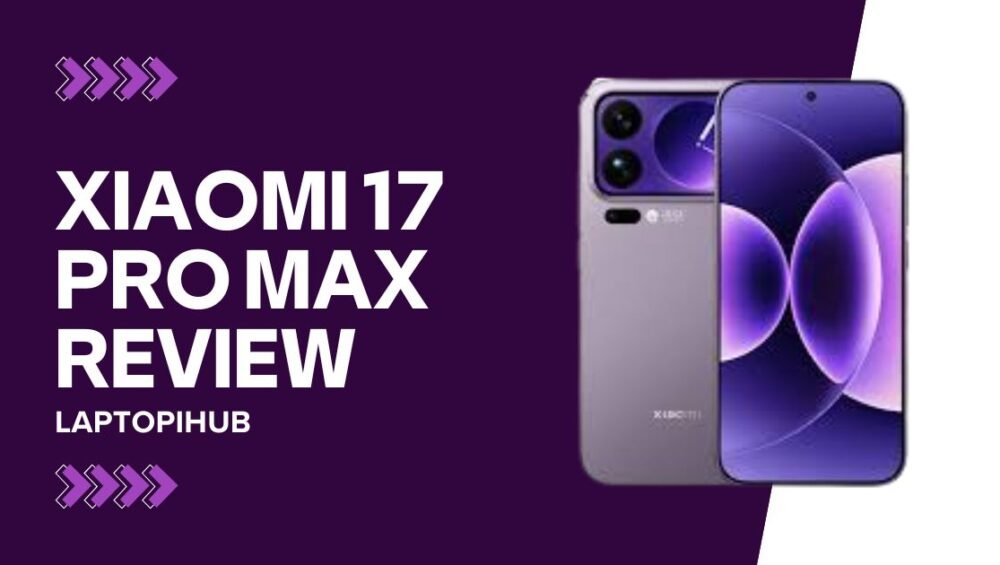
Xiaomi 17 Pro Max Review

Xiaomi 17 Pro Max Review

Explore Xiaomi 17 Pro Max with dual display, Leica cameras, massive 7500mAh battery, and Snapdragon power in a premium flagship.

Introduction

The smartphone world is buzzing with excitement, and one name that has been grabbing all the attention is the Xiaomi 17 Pro Max. Xiaomi has always been known for pushing boundaries in design, performance, and value, but this time the company has gone all-in with a bold flagship. With its massive battery, dual displays, Leica-tuned cameras, and cutting-edge Snapdragon chipset, the Xiaomi 17 Pro Max is not just another phone on the shelf, it is a serious contender for the top spot in the premium smartphone market. Let’s dive deeper into what makes this device so special.

Design and Build

The design of the Xiaomi 17 Pro Max immediately sets it apart from the crowd. Sleek metal edges wrap around a premium glass body, and the phone feels solid in the hand without being over-the-top flashy. The most noticeable design highlight is the secondary screen on the back, which isn’t just there to show off but offers real functionality. The main display flows almost bezel-less, giving the phone a futuristic vibe, while the rear panel blends innovation with elegance. This is not a phone that hides in your pocket—it demands attention.

Dual Rear Display

What really makes the Xiaomi 17 Pro Max unique is its secondary display at the back. Unlike some phones that try gimmicks, this one feels purposeful. The rear screen is a 2.9-inch AMOLED panel with smooth 120Hz refresh rate support. It allows you to check notifications, control music, or even use it as a live viewfinder for selfies using the main camera. Imagine being able to snap professional-level selfies with Leica optics while perfectly framing yourself on the back screen—that’s the kind of smart addition this is.

Main Display

The front screen is equally impressive, measuring 6.9 inches with LTPO AMOLED technology. It offers rich colors, deep blacks, and one of the brightest panels you can get, making outdoor use a breeze even under harsh sunlight. With adaptive refresh rates, the screen switches between smooth scrolling and power efficiency, which means you get the best of both worlds. Watching videos or playing games on this display feels immersive and cinematic.

Performance

Inside, the Xiaomi 17 Pro Max is powered by the Snapdragon 8 Elite Gen 5, Qualcomm’s latest and most powerful processor. This chip ensures smooth multitasking, lightning-fast app launches, and console-level gaming performance. Whether you’re streaming, editing photos, or battling it out in demanding games, this phone handles it effortlessly. It’s the kind of performance that makes lag feel like a thing of the past.

RAM and Storage

The phone comes with generous memory options, offering up to 16GB of RAM and as much as 1TB of internal storage. This ensures that even the heaviest users have enough room for apps, photos, and videos without worrying about running out of space. With ample RAM, background apps stay alive longer, and you can jump between tasks without waiting for reloads. It is designed for users who demand uncompromised performance.

Battery Life

One of the standout features of the Xiaomi 17 Pro Max is its massive 7,500mAh battery. In a world where most flagships struggle to last beyond a day of heavy use, this phone comfortably pushes into two-day territory. Long trips, extended workdays, or non-stop streaming sessions are no challenge for this giant power pack. It removes the constant anxiety of hunting for a charger, giving you freedom to actually enjoy the phone without compromise.

Charging Speed

Xiaomi didn’t just stop at a large battery. The 17 Pro Max supports 100W wired charging and 50W wireless charging. That means you can juice up the phone in record time, even with its giant battery. Instead of waiting hours for your phone to charge, you can grab a quick boost that lasts you through the day. This blend of capacity and charging speed makes the phone one of the most practical flagships on the market.

Camera System

Photography has become the centerpiece of modern smartphones, and the Xiaomi 17 Pro Max takes it seriously. Partnering with Leica, Xiaomi has equipped this phone with a triple 50MP camera setup that includes a main wide sensor, an ultra-wide, and a periscope telephoto lens. The Leica tuning brings natural colors, sharp details, and a cinematic feel to your shots. From daylight landscapes to low-light portraits, this camera system delivers results that rival even dedicated cameras.

Zoom and Selfies

The periscope telephoto lens provides up to 5x optical zoom, letting you capture distant subjects without losing clarity. This makes it perfect for travel, concerts, or just everyday moments where you can’t get closer physically. The front display hosts a capable selfie camera, but the real magic is using the rear display to take selfies with the main camera. This unique approach elevates your selfies to professional quality, turning a simple picture into something you’ll want to frame.

Software and HyperOS

Running on HyperOS, Xiaomi’s latest software skin, the 17 Pro Max offers smooth animations, smart features, and plenty of customization. It’s built on top of Android but carries Xiaomi’s unique design philosophy. From fluid multitasking to AI-driven enhancements, the software experience feels modern and polished. The integration with other Xiaomi devices also makes it appealing for users who live in the Xiaomi ecosystem.

Connectivity and Extras

The phone is packed with all the modern connectivity features you would expect. It supports 5G for ultra-fast data speeds, Wi-Fi 7 for seamless connections, NFC for payments, and Bluetooth for accessories. Stereo speakers deliver rich sound, and haptics feel precise and satisfying. To top it off, the phone carries water resistance, ensuring that it survives the occasional splash or rain without worry.

Price and Availability

The Xiaomi 17 Pro Max has been introduced in China first, with prices starting at around CN¥5999, which translates to competitive flagship pricing internationally. Depending on the storage variant, prices scale up, especially for the higher 1TB model. While global availability may vary, Xiaomi is clearly aiming to challenge rivals like Samsung and Apple in the premium space with this device.

Who Should Buy It

The Xiaomi 17 Pro Max is designed for users who want more than just a typical phone. If you value long battery life, advanced photography, top-class performance, and unique features like a dual rear screen, this phone is a fantastic option. It’s especially appealing for content creators, frequent travelers, and anyone who dislikes carrying power banks. On the other hand, if you prefer compact phones, this may feel a little too big and heavy.

Pros and Cons

On the positive side, the Xiaomi 17 Pro Max shines with its massive battery, super-fast charging, excellent cameras, and innovative rear display. It also boasts high performance and premium build quality. However, its size and weight may not appeal to everyone, and software updates can vary by region. Still, the pros far outweigh the cons for users who want a phone that truly stands out.

Conclusion

The Xiaomi 17 Pro Max is not just another flagship—it’s a statement. With bold choices like a giant battery, practical rear display, and Leica-tuned cameras, it pushes the boundaries of what a smartphone can offer. It balances performance, endurance, and innovation in a way that feels genuinely useful rather than gimmicky. For anyone seeking a premium device that goes beyond the ordinary, the Xiaomi 17 Pro Max is an easy recommendation.

FAQs

Q1: Does the Xiaomi 17 Pro Max support 5G?

Yes, it supports the latest 5G connectivity for faster internet speeds.

Q2: How fast can the Xiaomi 17 Pro Max charge?

It supports 100W wired charging and 50W wireless charging.

Q3: What is the battery size of the Xiaomi 17 Pro Max?

It comes with a huge 7,500mAh battery, one of the largest in its class.

Q4: Can I take selfies with the main camera?

Yes, the rear display allows you to use the main camera for high-quality selfies.

Q5: What makes the Xiaomi 17 Pro Max special?

Its dual rear display, massive battery, Leica camera system, and Snapdragon performance make it stand out from the competition.

Read More: Discover the New Features of iOS 26

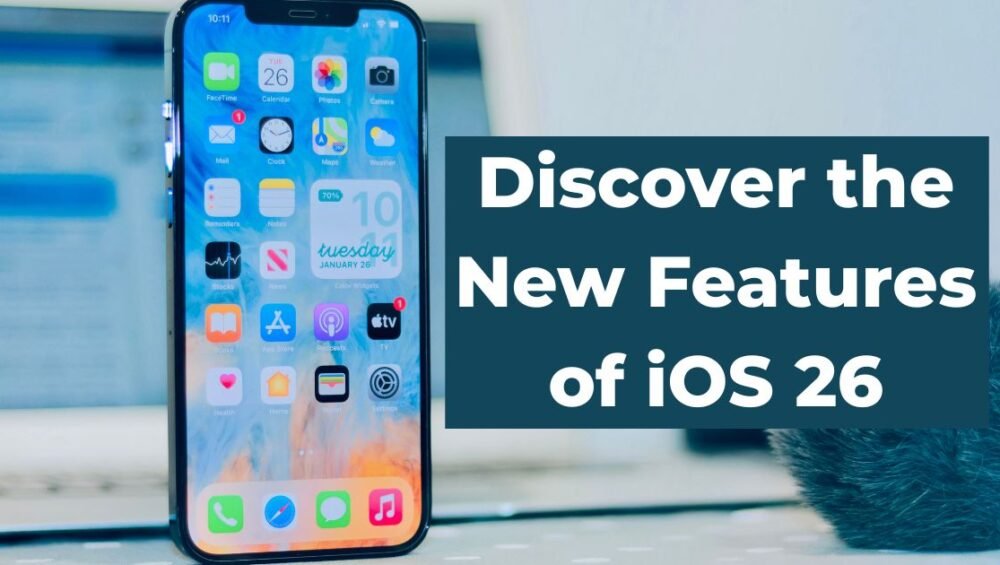
iOS 26

Discover the New Features of iOS 26

Explore iOS 26 — Liquid Glass design, smarter Apple Intelligence with ChatGPT, Visual Intelligence, Adaptive Power and practical tips to upgrade.

Overview: Why iOS 26 Matters

Apple has finally rolled out iOS 26, and it is far more than just a routine update. This version introduces a new design language, deeper artificial intelligence features, and practical upgrades that change how you use your iPhone daily. iOS 26 is all about making the system smarter, sleeker, and more useful without forcing you to relearn everything.

Liquid Glass Design Refresh

The most striking change is the new “Liquid Glass” design. It transforms the lock screen, widgets, and app surfaces with a glossy, glass-like feel that looks alive under your fingers. It’s not just cosmetic; the design makes buttons and backgrounds feel more fluid and dynamic, giving the entire system a fresh identity while still feeling familiar.

Apple Intelligence Gets Smarter

Apple Intelligence, Apple’s built-in AI, has been supercharged. It now summarizes long texts, suggests smarter replies, and organizes tasks more intuitively. Instead of feeling like a separate app, Apple Intelligence runs quietly in the background, popping up when you need a nudge or quick help. It makes iOS 26 feel like a personal assistant built into your phone.

ChatGPT Integration and GPT-5 Power

One of the most talked-about upgrades in iOS 26 is its deeper integration with ChatGPT. Users can now enable ChatGPT inside Siri and Apple Intelligence settings, allowing their iPhone to handle more complex requests. With GPT-5 support, replies feel faster, sharper, and more natural than ever. You can think of it as Siri finally getting the brain it always needed.

Visual Intelligence Across the System

Visual Intelligence is Apple’s way of giving your camera eyes and a brain. It can analyze pictures, screenshots, and even objects in Safari, providing quick answers or suggestions. Want to identify a landmark, translate a sign, or copy text from an image? Visual Intelligence handles it in seconds, making your iPhone a powerful tool for everyday discovery.

Live Translation in Calls and Messages

Language barriers are no longer a headache. iOS 26 introduces live translation in Messages, FaceTime, and even regular phone calls. You can talk in your language and see real-time translations on the screen. This is a game-changer for travelers, businesses, and anyone who wants seamless communication across different languages.

Messages Upgraded with Polls and Backgrounds

Group chats just became more interactive. With built-in polls, you can quickly decide on plans without endless back-and-forth texts. Apple also introduced customizable backgrounds that everyone in the group can see, making conversations not only functional but also more expressive and fun.

Phone App Smarter Call Handling

Spam and unknown callers are less of a problem with iOS 26. The Phone app can now screen calls more intelligently, giving you context before you pick up. Unknown callers can be asked to state their purpose, and suspected spam is automatically filtered, giving you peace of mind.

CarPlay Reimagined

CarPlay has received a significant makeover. It now adapts to different car displays with smart zooming, richer widgets, and a more user-friendly layout. Whether you are navigating, streaming music, or answering calls, the new CarPlay makes everything feel smoother and more connected.

iPhone 17 Air First Look

Apple Music, Maps and Wallet Upgrades

Everyday apps have been refined to make life easier. Apple Music adds real-time lyrics translation, Maps offers smarter routes and detailed travel summaries, and Wallet now supports advanced order tracking and secure online ID features. These upgrades may seem small, but together they add real convenience.

Apple Games Hub for Mobile Play

Apple has finally created Apple Games, a single hub where all your mobile games live. It makes discovering, managing, and playing games more straightforward. For gamers, this means less time digging through folders and more time actually playing.

Adaptive Power and Longer Battery Life

Battery life always matters, and iOS 26 introduces Adaptive Power. This feature learns your charging habits and usage patterns to optimize energy consumption. In practice, it means fewer battery-draining moments and more time between charges without you having to think about it.

Privacy Controls and AI Transparency

Apple has doubled down on privacy with iOS 26. You now get clearer control over how AI features access your data. The system shows you when AI is processing locally versus when it uses cloud services. This transparency helps you feel in control while still enjoying the benefits of smarter features.

Compatibility and How to Upgrade

iOS 26 supports a wide range of iPhone models, though some features may be limited to newer devices. Upgrading is simple through Settings under Software Update. Apple has made sure that even older phones benefit from performance boosts and some design improvements, even if they cannot access the full suite of AI tools.

Tips to Get the Most from iOS 26

To truly enjoy iOS 26, explore the new features gradually. Try enabling ChatGPT in settings, experiment with live translation during a call, and personalize your Messages backgrounds. Over time, you will notice how these little changes add up to a smoother, smarter iPhone experience.

Conclusion

iOS 26 isn’t just another update; it’s a leap toward a more intelligent and visually appealing iPhone. From Liquid Glass design to Apple Intelligence with ChatGPT, live translation, and smarter everyday apps, this update redefines how seamless technology can feel. If you haven’t upgraded yet, now is the perfect time to see your iPhone in a whole new light.

FAQs

Q1: Which iPhones support iOS 26?

Most iPhones from the iPhone 13 series onward support iOS 26 fully, while some features are limited on older devices.

Q2: Can I use ChatGPT without enabling Siri integration?

Yes, you can access ChatGPT through Apple Intelligence settings even if you don’t use Siri.

Q3: Does Adaptive Power really save battery?

Yes, it learns your habits and reduces background usage, which leads to noticeable improvements in battery life.

Q4: Is live translation available worldwide?

Not yet. It is rolling out region by region, but major languages are already supported.

Q5: Do I need extra apps for Apple Games hub?

No, Apple Games is built right into iOS 26, so all your games are organized in one place automatically.

Read More: Meta Glasses The Future of Augmented Reality

Meta Glasses

Meta Glasses The Future of Augmented Reality

Meta Glasses combine AR, cameras, and AI in stylish Ray-Ban frames for hands-free calls, navigation, and more. Discover their features and future.

What are Meta Glasses

Meta Glasses are smart eyewear designed to merge fashion with technology. They look like normal Ray-Ban sunglasses but carry hidden features such as cameras, speakers, microphones, displays, and even AI-powered tools. Instead of pulling your phone out every time, the glasses aim to give you quick, hands-free access to messages, calls, translations, and navigation right in front of your eyes. They are Meta’s biggest step toward bringing augmented reality into everyday life.

The Journey of Meta Glasses

The story began with Ray-Ban Stories, a simple pair of smart glasses launched in 2021. Those glasses allowed users to capture photos, record short videos, and play music. Fast forward to today, and the new Meta Glasses are far more advanced. They have moved from being “camera glasses” to a real wearable computer that integrates displays and smart controls, giving users a taste of true augmented reality.

Key Features of Meta Glasses

The most striking feature is the built-in micro-display. This small but powerful display projects colorful visuals directly into the lens, allowing you to read short texts, directions, or AI-generated answers. Alongside this, the glasses have dual cameras for photos and videos, open-ear speakers for listening to music or calls, and multiple microphones for clear voice pickup. Meta also introduced the Neural Band, a wristband that detects tiny muscle movements and lets you control the glasses with simple hand gestures. This makes interaction more natural and less distracting.

Design and Comfort

Meta partnered with Ray-Ban to make sure the glasses look stylish and wearable in everyday settings. From classic Wayfarer frames to different color lenses, the designs look like regular sunglasses rather than a clunky gadget. Comfort also matters, and the glasses are light enough to be worn for hours. The included charging case extends battery life and makes recharging easy, so users can get through a day without worry.

Everyday Uses

Meta Glasses shine when it comes to daily tasks. Imagine walking through a new city with turn-by-turn navigation displayed right in your line of sight. Or chatting with a friend and getting instant live captions or translations without reaching for your phone. The glasses also allow you to answer calls, send quick messages, or ask Meta’s AI assistant simple questions. For athletes and fitness lovers, the Oakley version of Meta Glasses is designed for workouts and sports tracking, blending action features with rugged design.

Privacy Concerns

One major challenge for smart glasses is privacy. Since they have cameras and microphones, people often worry about being recorded without consent. Meta has added LED indicators that light up when recording, but the debate over data and surveillance will continue. These concerns are part of why smart glasses have faced resistance in the past. For Meta Glasses to succeed, building public trust is just as important as adding new features.

Price and Availability

The new Meta Glasses are priced starting around $799, making them more of a premium early-adopter product than a mainstream accessory. They are available first in the United States, with plans to expand into other markets later. Less advanced models are also available at lower prices, giving people options based on their needs and budget.

The Technology Inside

Behind the stylish design lies complex technology. The display works through waveguides and tiny light engines, projecting visuals into your eye. On-device AI ensures faster and more private responses without always relying on the cloud. This combination of hardware and software is what makes the glasses both powerful and compact, though it also explains the higher cost.

Meta Versus Competitors

Meta is not alone in the race. Apple, Google, and several startups are also working on augmented reality glasses. Where Meta stands out is its partnership with Ray-Ban, which makes the product fashionable, and its strong investment in AI. While rivals may focus on lighter designs or longer battery life, Meta’s edge lies in combining style and technology.

Should You Buy Them

If you love experimenting with new tech, want hands-free convenience, and do not mind the premium price, Meta Glasses could be worth it. They are particularly useful for travelers, professionals, and fitness enthusiasts who value quick, glanceable information. However, if you are worried about privacy, battery life, or want a more affordable product, waiting for the next generation might be the smarter choice.

The Future of Meta Glasses

Meta is already working on more advanced versions of smart glasses under projects like Orion. The goal is to eventually make glasses that are lighter, more powerful, and capable of full mixed reality experiences. The current generation feels like a bridge to that future, showing us what is possible while leaving room for growth.

Conclusion

Meta Glasses are a bold step into the future of wearable technology. They combine fashion, function, and futuristic features in a way that feels both exciting and experimental. They are not perfect, but they show how augmented reality can fit seamlessly into daily life. Whether you jump in now or wait for what comes next, one thing is clear: the future of smart glasses is no longer science fiction. It is already here.

FAQs

Q1: Do Meta Glasses look like regular sunglasses?

Yes, they are designed in partnership with Ray-Ban, so they look stylish and normal.

Q2: Can Meta Glasses translate languages in real time?

Yes, they can provide live captions and translations directly in the display.

Q3: How long does the battery last?

Battery life is around six hours of mixed use, with extra charges from the case.

Q4: Do they require a smartphone to work?

Many features still connect to a smartphone, but some run directly on the glasses.

Q5: Are Meta Glasses available worldwide?

They are first launching in the U.S., with more countries expected later.

Read More: Oppo A6 Pro 5G Specs Full Review