

Discover the Lenovo Legion Pro — in-depth look at design, performance, display, battery, and who should buy this powerhouse gaming laptop.
Quick Overview
If you want a gaming laptop that feels like a desktop in a sleek, not-try-hard package, the Lenovo Legion Pro aims to hit that sweet spot. It’s built to deliver raw gaming power, crisp visuals, and a keyboard that won’t make your fingers miss a beat. But is it the perfect pick for you? Let’s walk through the parts that matter.
What’s New This Generation
Lenovo tweaked the Legion Pro in ways that matter rather than chasing gimmicks. Expect updated CPUs and GPUs from the latest mobile silicon wave, a more refined thermal layout, and subtle design refinements. It’s less about flashy changes and more about tightening the screws where it counts.
Design and Build
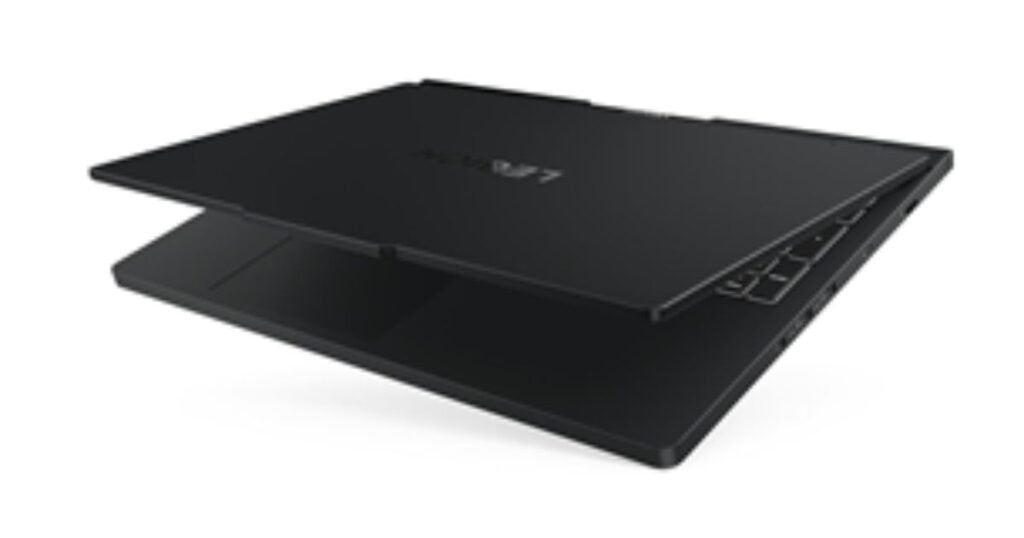
The Legion Pro doesn’t scream for attention, and that’s kind of the point. It’s a minimalist gaming laptop that borrows cues from professional workstations — matte surfaces, sturdy hinge, and a blocky silhouette that suggests seriousness, not showmanship.
Chassis and Materials
The chassis feels rigid and premium; there’s no flex where it counts. The lid closes with satisfying resistance and the hinge is solid without being stiff. It’s heavy enough to feel durable, but not so heavy that lugging it between rooms becomes a chore.
Keyboard and Trackpad
Lenovo’s keyboards are consistently excellent and the Legion Pro continues that trend. The key travel is responsive and the layout is intuitive for both gaming and typing. The trackpad is roomy and precise — not a gaming hero but perfectly usable for everyday tasks. The RGB is tasteful if you want it; not obligatory.
Display and Visuals
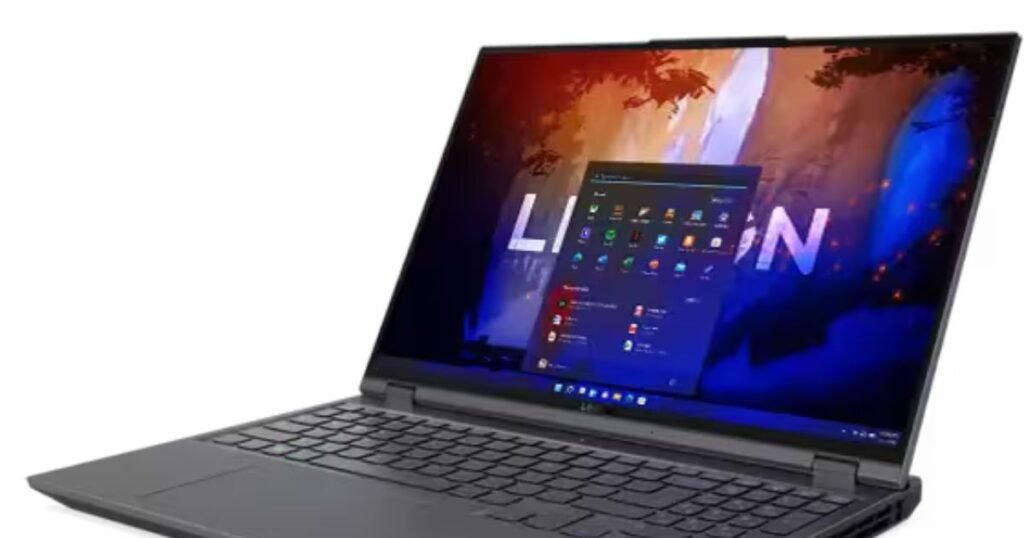
A great gaming laptop needs a great display, and the Legion Pro usually offers options that fit different priorities: ultrafast refresh rates for competitive gamers, or higher resolution and color fidelity for content creators.
Panel Options and Specs
Depending on the configuration you pick, panels range from high-refresh 144Hz/240Hz Full HD to sharp 2.5K or 3K displays. Lenovo tends to give sensible choices so you can opt for speed or detail without paying for both if you don’t need to.
Color, Brightness and Refresh
Color accuracy is solid out of the box on higher-tier panels — good for streaming, editing, and gaming with punchy, believable colors. Brightness is adequate for indoor use, and the high refresh options make motion buttery smooth in fast-paced titles.
Performance and Benchmarks
Performance is the Legion Pro’s playground. With top-tier mobile CPUs and potent GPUs, this laptop breezes through AAA games at high settings and muscle-heavy creative workloads.
Processor and GPU Choices
You can expect modern Intel or AMD mobile CPUs paired with NVIDIA RTX mobile GPUs in toxic-to-frames configurations. That means excellent single-core performance for gaming and multi-core power for streaming or rendering.
Thermals and Cooling Design
Lenovo’s thermal approach is pragmatic: big fans, generous heat pipes, and an intelligent airflow path. Under heavy loads the fans can get loud — which is a small price to pay for thermals that keep the hardware performing consistently rather than throttling.
Memory, Storage and Upgradability
Lenovo usually does well on expansion. The Legion Pro typically supports dual-channel RAM and multiple storage slots, meaning upgrades are straightforward for users who like to future-proof their machines. Swapping an SSD or adding RAM is not an ordeal for the moderately handy user.
Battery Life and Charging
A gaming laptop won’t compete with thin ultrabooks for battery longevity, and that’s true here. Expect enough battery life for light tasks and media but not for extended gaming sessions unplugged.
Real-world Battery Expectations
If you’re browsing, streaming video, and writing, you might see several hours. Start gaming on battery and you’ll be back to the charger fast. Lenovo’s power management helps, but physics and power-hungry components set the limits.
Charging Speeds and Options
Fast charging support is usually present and can juice the battery pretty quickly for a short session. USB-C charging options vary by model, so check the configuration if you need a secondary travel charger.
Ports, Connectivity and Webcam
The Legion Pro doesn’t skimp on connectivity. You’ll likely find a full suite of USB-A and USB-C ports, HDMI, Ethernet, and an SD card reader on some models. Wi-Fi 6 (or newer) and Bluetooth are standard, and the webcam is decent enough for video calls but remains a secondary concern for serious streamers.
Software, Extras and RGB
Lenovo bundles helpful utilities, most notably Lenovo Vantage, which centralizes system updates, performance modes, and thermal tuning. The RGB implementation is tasteful rather than garish, giving you control without forcing flashy profiles.
Lenovo Vantage and Tuning
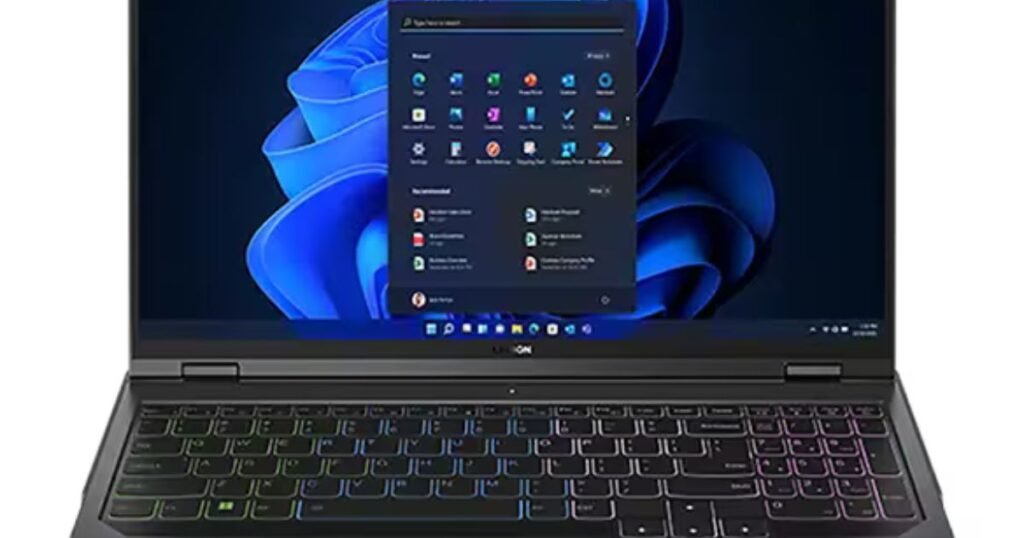
Lenovo Vantage is the hub where you tune performance and fan curves. Want a quiet mode for work or a full-power mode for gaming? It’s all a few clicks away. The software is useful and thoughtful rather than bloated.
Lighting and Macro Controls
Per-key RGB and macro customization are present on higher trims. The software lets you program keys and lighting profiles, which makes the laptop feel customizable without being overwhelming.
Price, Configurations and Value
Legion Pro configurations span a wide price range. Lower-tier builds give you solid value for mainstream gaming, while top-tier models push into premium pricing that rivals thin-and-light workstations. The trick is to balance what you actually need against the sticker shock.
Who Should Buy the Legion Pro
If you want a gaming laptop that doubles as a workhorse for creative tasks, and you care about a sober, professional design, the Legion Pro is a natural fit. If you’re a competitive gamer who needs the absolute lightest machine, or a traveler who prioritizes battery life above all, consider alternatives.
Pros and Cons
The Legion Pro’s strengths are performance, build quality, and sensible feature set. The trade-offs are weight and battery life, plus fan noise under stress. It’s a machine that favors capability over compromises, which is great if raw power is your priority.
Conclusion
The Lenovo Legion Pro is a serious contender in the gaming laptop arena. It offers solid performance, a refined design, and sensible upgradability. It won’t be the lightest or longest-lasting battery performer, but if you want a dependable, powerful laptop that plays hard and works harder, the Legion Pro deserves a long look. Think of it as a compact desktop replacement — powerful, dependable, and ready to work when you are.
FAQs
Q1: Is the Lenovo Legion Pro good for content creation?
Yes. With strong CPUs and GPUs, color-accurate display options, and upgradeable RAM and storage, it’s well suited to video editing, 3D work, and streaming.
Q2: How loud does the Legion Pro get during gaming?
Fans can become noticeable under sustained heavy loads. Loudness is trade-off for keeping performance stable; you can use Lenovo Vantage to tune quieter profiles for light tasks.
Q3: Can I upgrade RAM and storage easily?
Generally yes. The Legion Pro is designed with user-accessible slots for RAM and SSDs; swapping components is straightforward for most users.
Q4: Is the display good for competitive gaming?
Definitely. High refresh rate panels (144Hz, 240Hz or higher on some configs) make the Legion Pro great for competitive play where frame rate fluidity matters.
Q5: Should I choose the Legion Pro over slimmer gaming laptops?
If you prioritize raw performance and thermal consistency over ultra-portability and battery life, the Legion Pro is the better choice. If you travel a lot and need longer battery life or a lighter chassis, consider slimmer alternatives.