
Discover Microsoft Surface Laptop 7 features, performance, battery life, display, and who it’s best for in this detailed review.
Introduction to Microsoft Surface Laptop 7
The Microsoft Surface Laptop 7 represents a major step forward in Microsoft’s laptop lineup. It is not just a visual refresh but a strategic move toward AI-powered computing and improved efficiency. Designed for professionals, students, and everyday users, this laptop blends premium hardware with intelligent software features. Microsoft aims to compete directly with top ultrabooks by offering a sleek design, impressive battery life, and next-generation performance.
Design and Build Quality
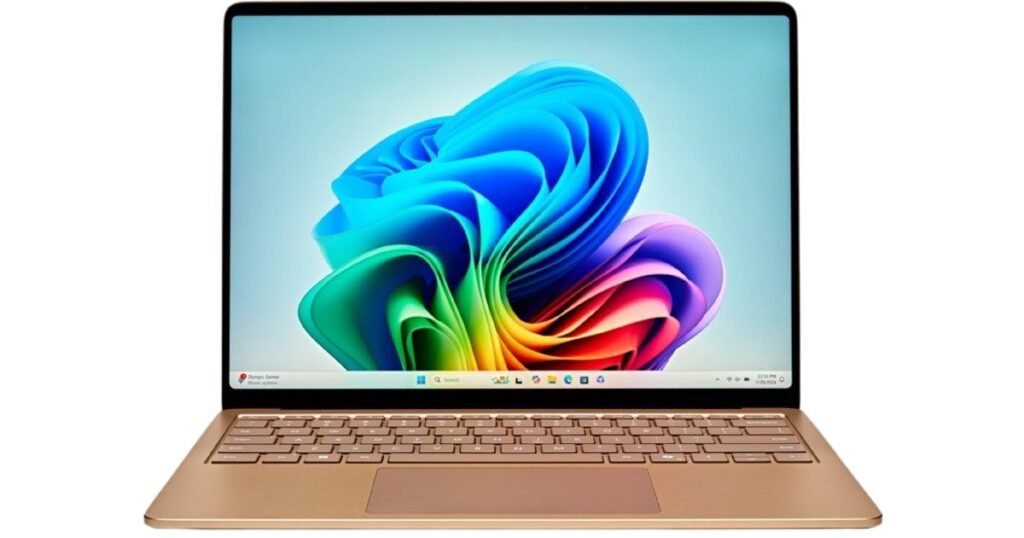
The Surface Laptop 7 continues Microsoft’s minimalist design philosophy. It feels solid in hand, with a smooth aluminum chassis that reflects premium craftsmanship. The laptop is thin, lightweight, and easy to carry, making it ideal for commuters and remote workers. Every edge feels refined, and the overall build gives confidence that this device is built to last. It strikes a balance between elegance and durability, much like a well-tailored suit that looks good and works hard.
Display Quality and Visual Experience
One of the standout features of the Surface Laptop 7 is its display. The PixelSense touchscreen offers sharp visuals, vibrant colors, and excellent brightness. The high refresh rate makes scrolling and animations feel fluid, giving the screen a lively and responsive feel. Whether you are editing documents, watching videos, or browsing the web, the display delivers a smooth and immersive experience that keeps eye strain to a minimum.
Performance and Processing Power
Performance is where the Surface Laptop 7 truly shows its evolution. It is built to handle everyday tasks effortlessly, from multitasking with multiple apps to handling demanding workloads like photo editing and coding. The laptop feels fast, responsive, and efficient, with minimal lag even under pressure. It is designed to keep up with modern work habits, where speed and reliability are non-negotiable.
Snapdragon vs Intel Variants Explained
Microsoft offers the Surface Laptop 7 in both Snapdragon and Intel configurations, giving users flexibility based on their needs. The Snapdragon version focuses on efficiency, long battery life, and AI acceleration, making it perfect for users who value portability and all-day use. The Intel variant, on the other hand, offers broader compatibility with traditional software and suits users who rely on legacy applications. Choosing between them feels like choosing between fuel efficiency and raw familiarity—both strong, depending on your priorities.
AI Capabilities and Copilot Integration
AI is at the heart of the Surface Laptop 7 experience. With built-in AI processing, the laptop can handle tasks like real-time captions, smart image editing, and productivity enhancements locally. Microsoft Copilot is deeply integrated, acting like a digital assistant that helps with writing, organizing, and creative tasks. It feels less like a gimmick and more like a quiet helper working behind the scenes to make daily work easier.
Keyboard, Trackpad, and User Comfort
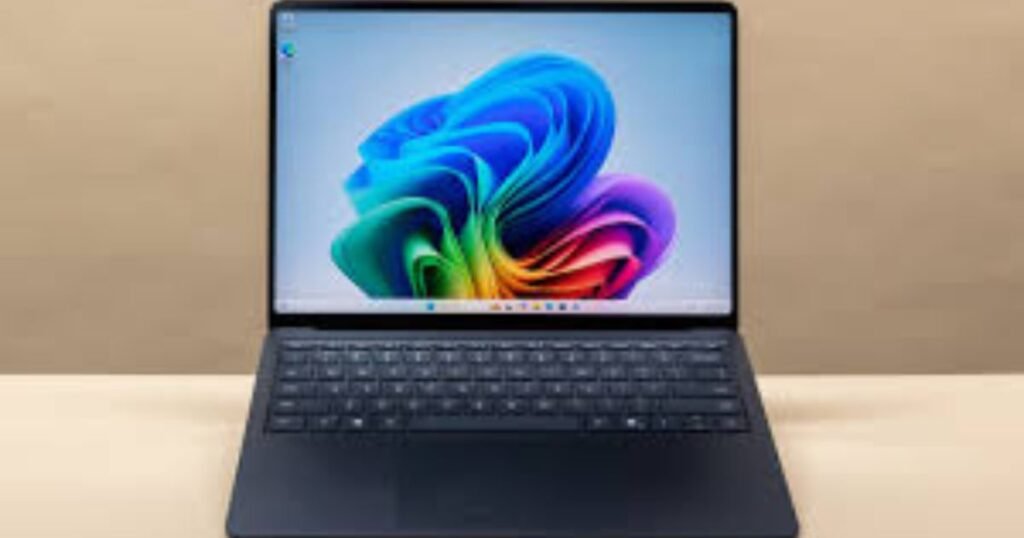
Typing on the Surface Laptop 7 is a pleasure. The keyboard offers comfortable key travel and a satisfying tactile response, making long writing sessions easy on the fingers. The trackpad is smooth, precise, and responsive, supporting modern gestures flawlessly. Together, they create a user experience that feels natural and intuitive, much like driving a well-tuned car that responds exactly how you expect.
Battery Life and Power Efficiency
Battery life is one of the strongest selling points of the Surface Laptop 7. Thanks to efficient hardware and intelligent power management, the laptop can easily last a full workday on a single charge. This makes it an excellent companion for travelers, students, and professionals who don’t want to stay tied to a power outlet. It’s the kind of reliability that lets you focus on work instead of constantly checking battery percentages.
Charging Speed and Power Management
Charging is quick and convenient, allowing users to regain hours of usage in a short amount of time. The laptop supports modern charging standards, ensuring efficient power delivery without overheating. Smart power management ensures that performance and battery life are balanced intelligently, adapting to how you use the device throughout the day.
Storage Options and Expandability
The Surface Laptop 7 offers flexible storage options to suit different user needs. From basic configurations for everyday users to higher-capacity options for professionals, there is something for everyone. The ability to upgrade storage adds an extra layer of value, especially for users who plan to keep their device for several years. It’s a thoughtful touch that adds longevity to the laptop.
Connectivity and Port Selection
Connectivity on the Surface Laptop 7 is modern and practical. It includes a balanced selection of ports that reduce the need for adapters. Wireless connectivity is fast and stable, ensuring smooth video calls, quick downloads, and reliable online work. This makes the laptop well-suited for both home offices and on-the-go environments.
Software Experience with Windows 11
Running Windows 11, the Surface Laptop 7 feels polished and optimized. The interface is clean, animations are smooth, and AI-powered features integrate seamlessly into daily workflows. Windows 11 complements the hardware well, creating a unified experience that feels modern and intuitive. Everything works together in harmony, like instruments in a well-rehearsed orchestra.
Everyday Usage and Real-World Performance
In real-world use, the Surface Laptop 7 shines. It handles browsing, streaming, office work, and creative tasks with ease. App launches are fast, multitasking feels smooth, and the system remains cool and quiet most of the time. It’s the kind of laptop that fades into the background, letting you focus entirely on what you’re doing.
Pricing and Value for Money
The Surface Laptop 7 is positioned as a premium device, and its pricing reflects that. While it may not be the cheapest option, the combination of design, performance, battery life, and AI features offers strong value. For users who appreciate quality and long-term usability, the investment feels justified.
Who Should Buy the Microsoft Surface Laptop 7
This laptop is ideal for professionals, students, content creators, and anyone who wants a reliable, stylish, and future-ready device. If you value battery life, portability, and smart features, the Surface Laptop 7 fits perfectly. Users who rely heavily on older software may prefer the Intel version, while those embracing modern workflows will appreciate the Snapdragon model.
Conclusion
The Microsoft Surface Laptop 7 is more than just a laptop upgrade—it’s a glimpse into the future of personal computing. With its premium design, excellent display, strong performance, and intelligent AI features, it delivers a well-rounded experience. Whether you’re working, learning, or creating, this laptop adapts to your needs with ease. It’s a smart, stylish companion built for the modern digital lifestyle.
Frequently Asked Questions
Is the Microsoft Surface Laptop 7 good for students?
Yes, its long battery life, lightweight design, and smooth performance make it an excellent choice for students.
Can the Surface Laptop 7 handle professional work?
Absolutely. It performs well for productivity tasks, creative work, and multitasking, especially in higher configurations.
Does the Surface Laptop 7 support AI features?
Yes, it includes built-in AI capabilities and Microsoft Copilot integration for smarter workflows.
Is the Surface Laptop 7 good for travel?
Yes, its slim design, strong battery life, and fast charging make it ideal for frequent travelers.
Which version should I choose, Snapdragon or Intel?
Choose Snapdragon for battery life and efficiency, and Intel if you need maximum compatibility with traditional software.