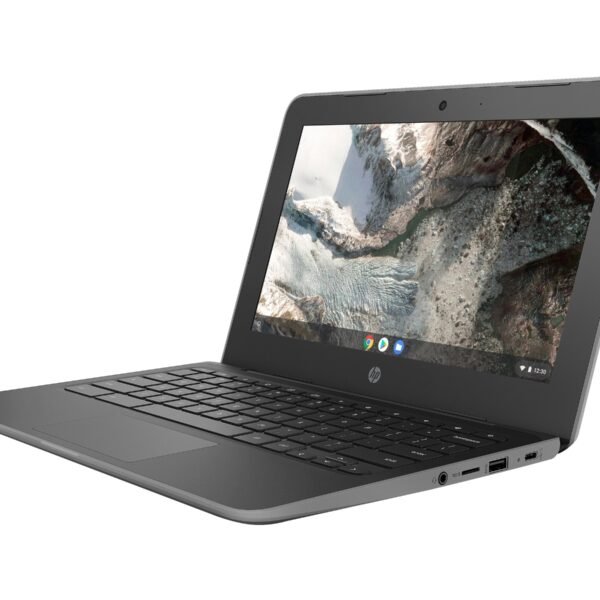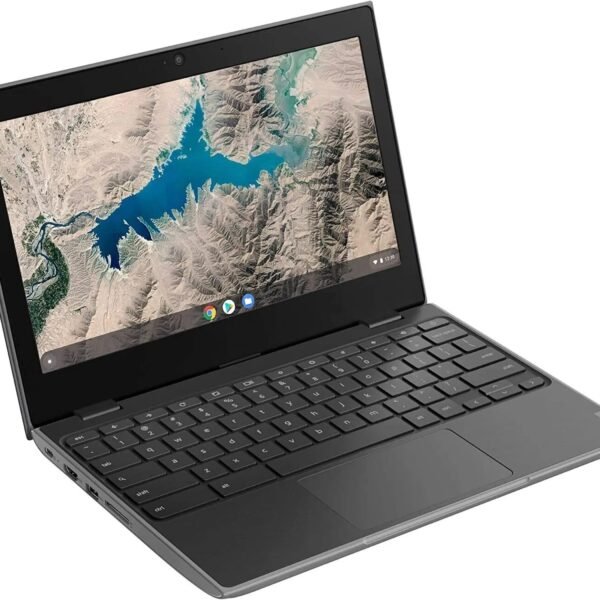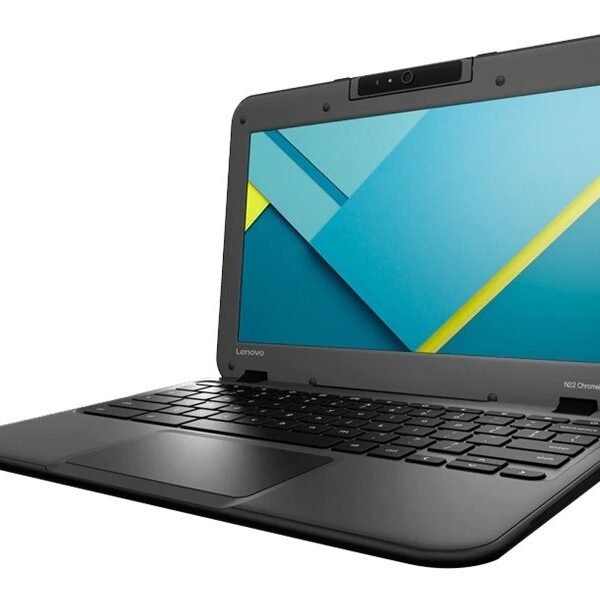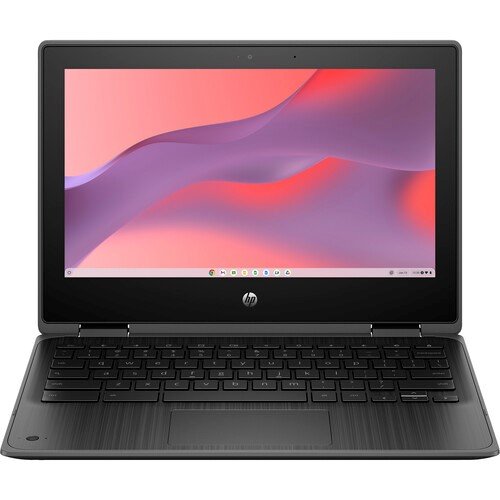
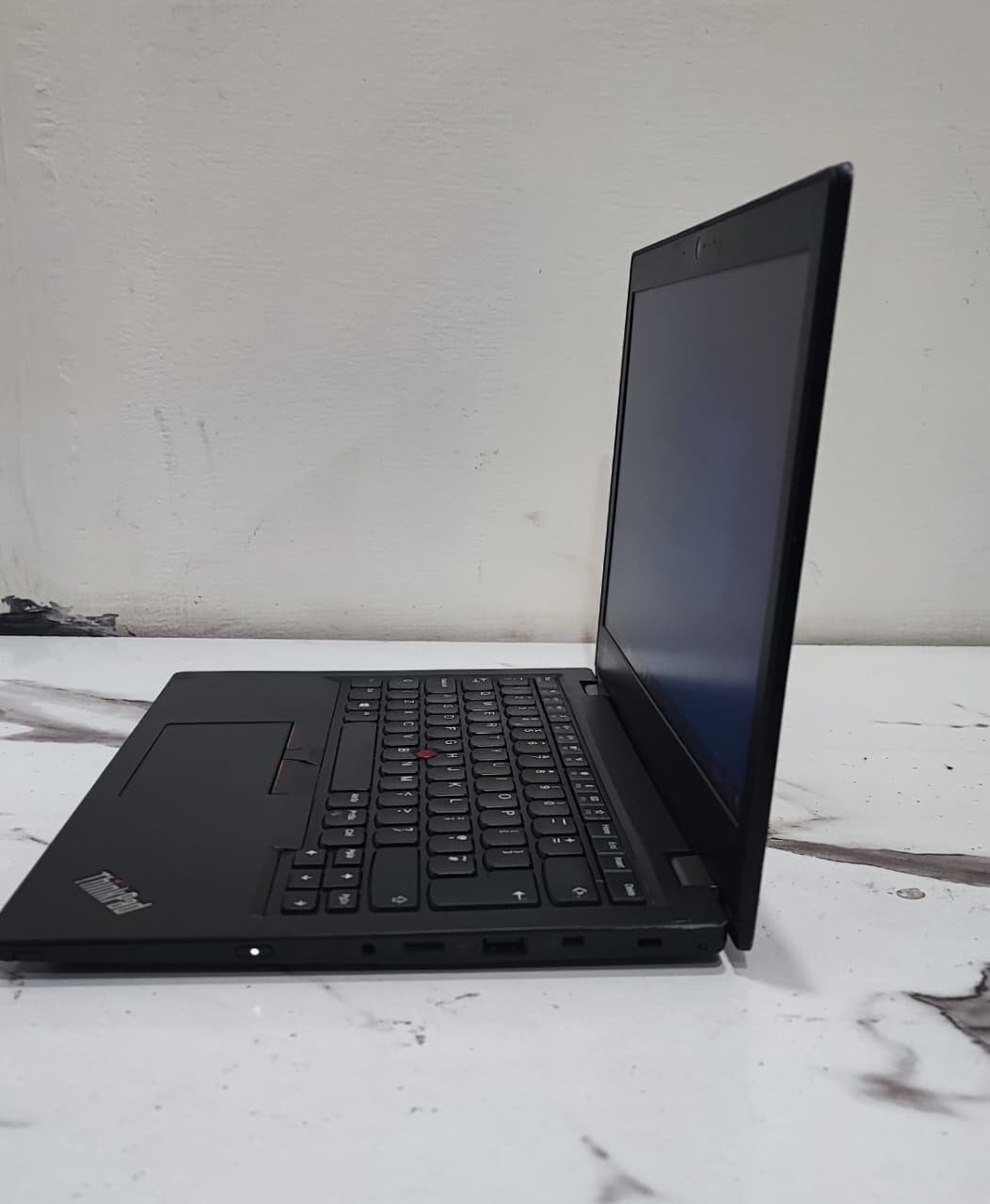
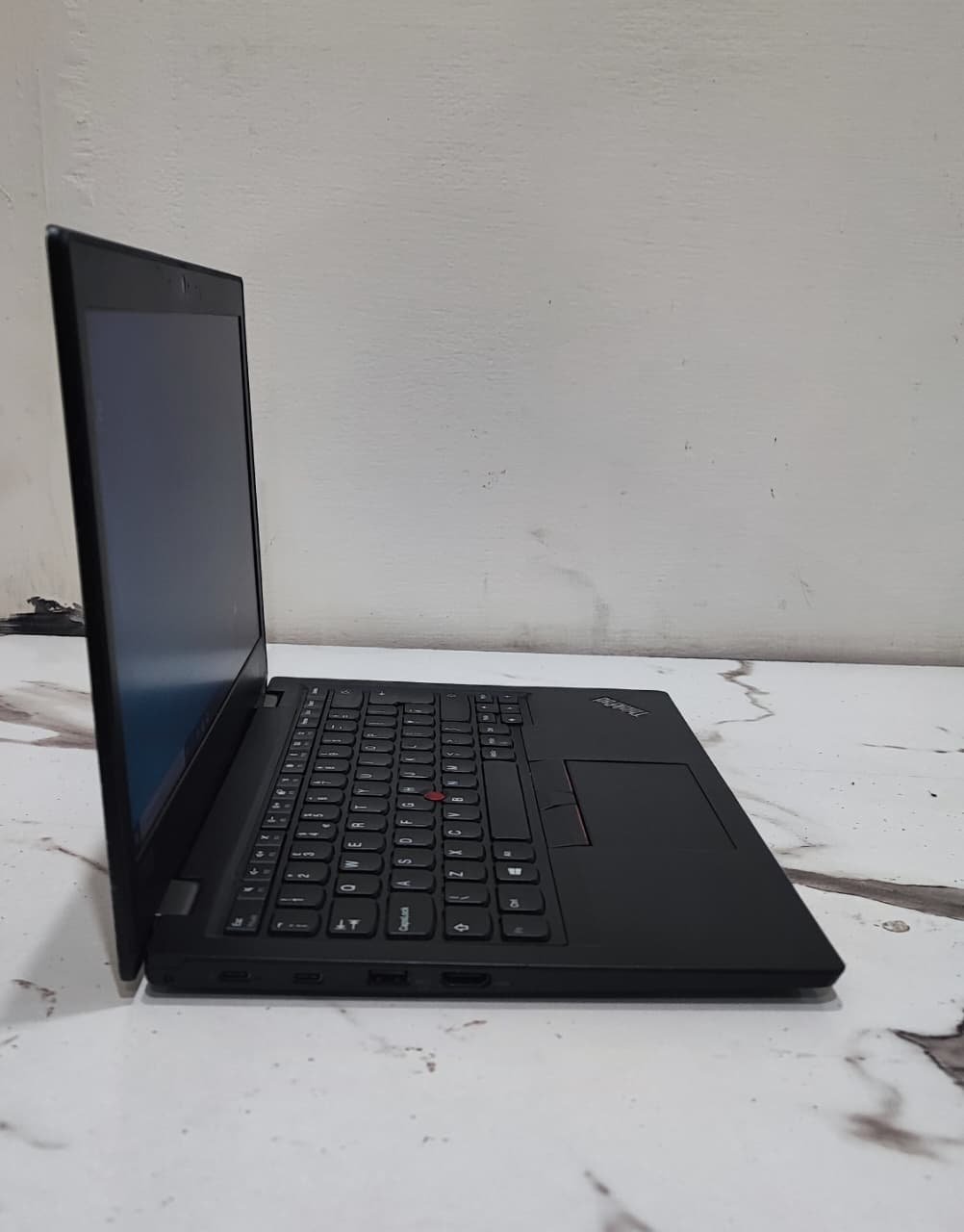
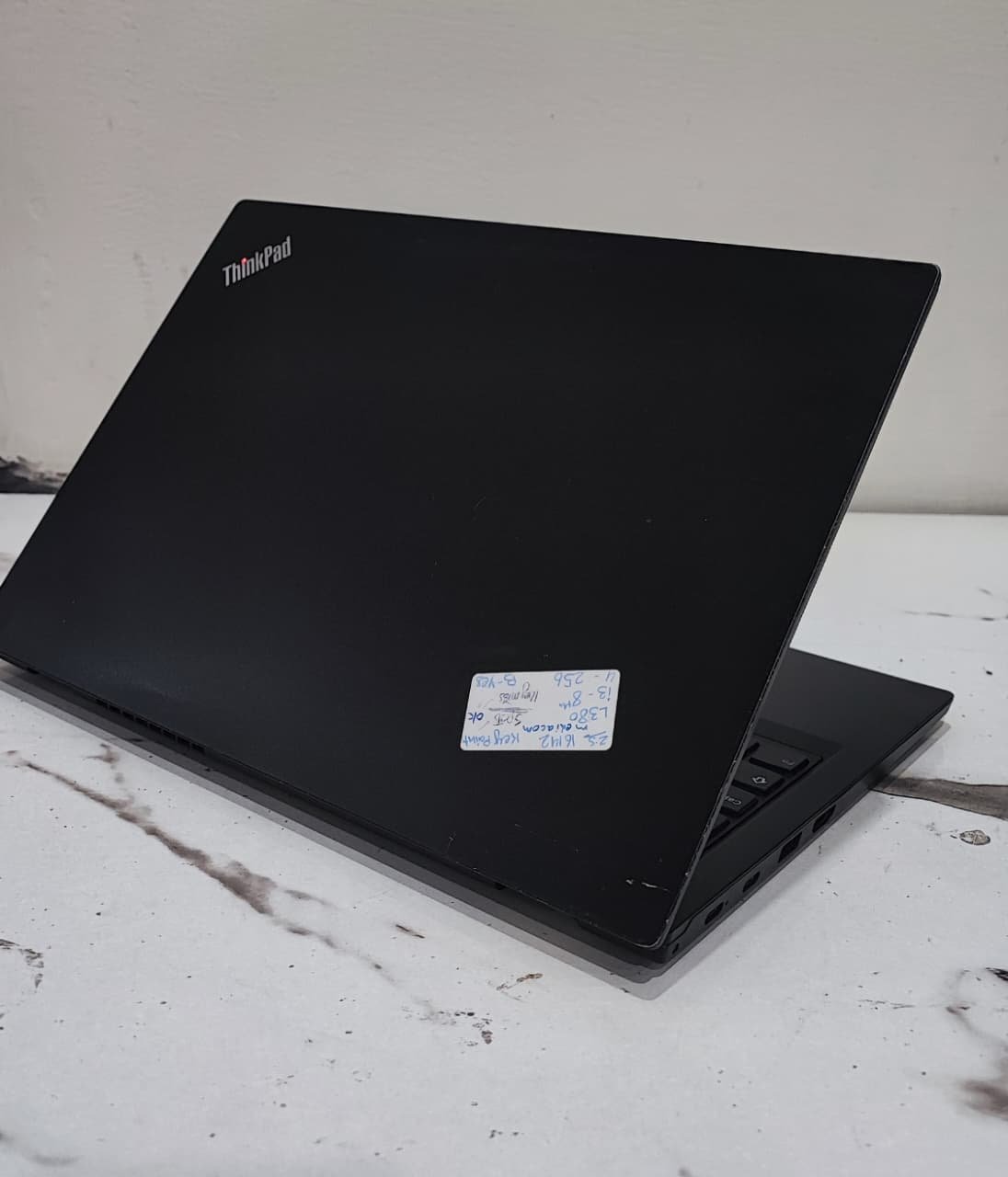
Best laptops for everyday office work with expert guide, top picks, and tips to choose the perfect laptop for productivity.
Introduction
Let’s face it—your laptop is the heart of your daily office routine. It’s the first thing you open in the morning and the last thing you close before ending your workday. Whether you’re replying to emails, creating reports, attending Zoom meetings, or managing your business, your laptop plays a critical role in your productivity. A slow or unreliable laptop feels like working with a lazy assistant. It delays everything and drains your energy. On the other hand, the right laptop feels like a smart partner that makes your work faster, smoother, and stress-free.
But here’s the challenge. With so many options in the market, choosing the best laptop for office work can feel confusing. The good news is that you don’t need the most expensive machine. You just need the right combination of performance, comfort, and reliability.
In this guide, I’ll help you understand exactly which laptops are best and how to choose the perfect one for your needs.
What Makes a Laptop Good for Office Tasks
Before buying a laptop, it’s important to understand what actually makes it suitable for office work. Many people focus only on price or brand, but real performance depends on internal components and usability.
Performance Essentials
The processor and RAM are like the engine of your laptop. They determine how fast your system runs and how well it handles multitasking. For example, when you open multiple Chrome tabs, Excel sheets, and Zoom meetings at the same time, your laptop needs enough power to manage everything smoothly.
A laptop with at least Intel Core i5 or AMD Ryzen 5 and 8GB RAM ensures that your system runs without freezing or slowing down. SSD storage is another essential feature because it makes your laptop start faster and open applications instantly. It’s the difference between waiting and working.
Portability and Battery Life
If you carry your laptop to the office, meetings, or different locations, portability becomes extremely important. A lightweight laptop makes your life easier and prevents fatigue. At the same time, battery life plays a major role. Imagine sitting in a meeting and your laptop suddenly shuts down. It’s frustrating and unprofessional.
A good office laptop should offer at least 7 to 10 hours of battery life so you can work confidently without worrying about charging.
Display and Comfort
Office work means long screen hours. A clear Full HD display protects your eyes and improves your experience. Similarly, a comfortable keyboard makes typing easier, especially if your work involves writing emails, reports, or content. These small details make a big difference over time.
Apple MacBook Air M2
The Apple MacBook Air M2 is one of the most popular office laptops in the world, and for good reason. It combines power, beauty, and reliability in one slim package. The moment you start using it, you notice how smooth everything feels. Applications open instantly, switching between tasks feels effortless, and the system never slows down.
One of its biggest strengths is battery life. You can work the entire day without charging, which makes it perfect for professionals and business owners. Its lightweight design also makes it easy to carry anywhere. If you want a premium experience and long-term reliability, this laptop is an excellent choice.

Dell XPS 13
The Dell XPS 13 is another fantastic option for office users. It is known for its premium design and powerful performance. Despite its compact size, it delivers impressive speed and handles multitasking very well.
This laptop is ideal for professionals who attend meetings, travel frequently, or work remotely. It feels solid, looks professional, and performs consistently. Using it feels like driving a luxury car—smooth, fast, and dependable.
HP Pavilion 15
The HP Pavilion 15 is perfect for people who want strong performance at a reasonable price. It offers a larger display, which makes working on Excel sheets, documents, and presentations more comfortable.
This laptop handles everyday office tasks easily, including browsing, video calls, and multitasking. It is a great option for small business owners, office employees, and students who want value without spending too much money.
Lenovo IdeaPad Slim 5
The Lenovo IdeaPad Slim 5 is designed with productivity in mind. Its keyboard is comfortable, making typing easier during long work sessions. Performance is fast and reliable, which helps you complete tasks efficiently.
This laptop is especially useful for people who work from home or manage multiple tasks daily. It offers an excellent balance between price and performance, making it a smart investment.
ASUS Vivobook 15
The ASUS Vivobook 15 is one of the best budget laptops for office work. It delivers smooth performance for everyday tasks like Microsoft Office, internet browsing, and video meetings.
It may not be the most powerful laptop, but it is reliable and efficient. For beginners, freelancers, and office workers on a budget, it provides everything needed to work comfortably.
How to Choose the Right Laptop for Your Needs
Choosing the right laptop depends on your specific work style. Students usually need affordable and lightweight laptops that are easy to carry. Business professionals often prefer premium laptops that offer speed and reliability. Work-from-home users benefit from laptops with comfortable keyboards and larger displays.
Understanding your daily tasks helps you make the right decision.

Recommended Specifications for Office Work
A laptop with 8GB RAM and SSD storage is enough for basic office work. However, if you want smoother performance and longer usability, choosing 16GB RAM is a better option. It ensures your laptop stays fast even after years of use.
Think of it like buying a car with extra power. It performs better and lasts longer.
Common Mistakes to Avoid
Many people buy cheap laptops with low RAM or slow storage. These laptops struggle to handle multitasking and become slow quickly. Another mistake is ignoring battery life and build quality.
Saving money initially may cost you more later in frustration and replacement.
Future Proofing Your Laptop
Technology keeps evolving, and your laptop should be able to keep up. Choosing modern specifications ensures your system stays useful for years. A future-proof laptop protects your investment and gives you peace of mind.
Conclusion
Choosing the best laptop for everyday office work is one of the smartest decisions you can make for your productivity. The right laptop saves time, reduces stress, and helps you work efficiently. Whether you choose the MacBook Air for its premium performance, Dell XPS for its professional design, HP Pavilion for its value, Lenovo IdeaPad for productivity, or ASUS Vivobook for affordability, each option offers excellent benefits. Your laptop is more than just a device—it’s your daily work partner. Invest wisely, and it will support your success every day.
FAQs
Which laptop is best for office work overall
MacBook Air and Dell XPS are among the best options for performance and reliability.
Is 8GB RAM enough for office tasks
Yes, but 16GB RAM provides smoother performance and better future use.
How long should an office laptop last
A good laptop typically lasts 4 to 6 years with proper care.
Which processor is best for office work
Intel Core i5 or AMD Ryzen 5 offers excellent performance.
Are budget laptops good for office work
Yes, budget laptops like ASUS Vivobook are great for basic office tasks.